Take Control Books
Skip to navigation Skip to content
Take Control Books

Expert Advice from Leading Tech Authors

Returning customer? Please log in:

  •  

  • Catalog
  • About
  • Authors
  • FAQ
  • Blog
  • Contact
  • Account
  • Library
  • Our Stance on AI
  • Log In
  • Catalog
  • About
  • Authors
  • FAQ
  • Blog
  • Contact
  • Account
    • Log In
    • Account Help
    • Account Details
  • Library
  • Our Stance on AI
  • $0.00 0 items
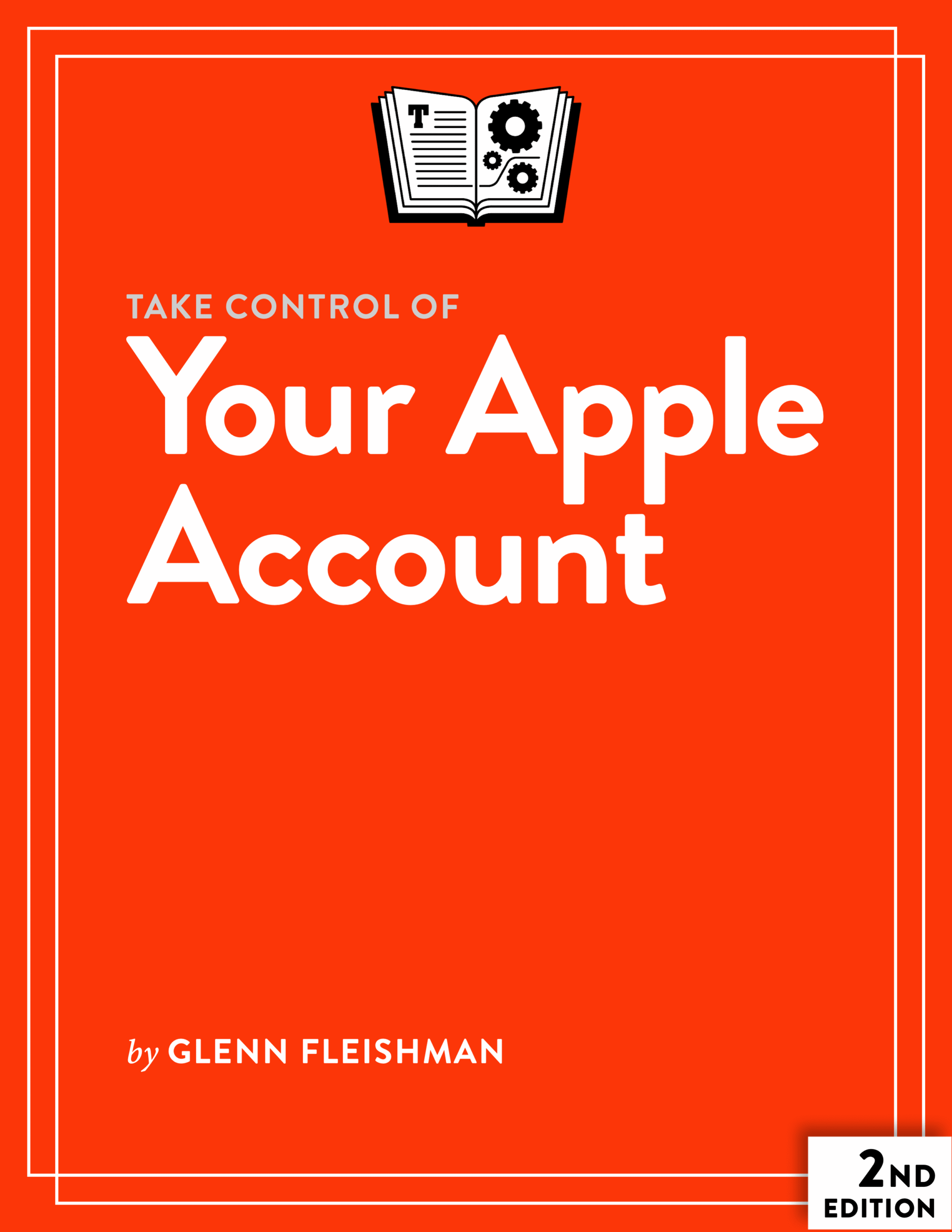
Take Control of Your Apple Account cover
ISBN:978-1-990783-77-7
Version:2.0
Pages:177
Size (PDF):4.8 MB
Date:September 10, 2025
Prevent (or solve) problems with your Apple Account!

Take Control of
Your Apple Account

Second Edition
Glenn Fleishman

The center of the Apple world is your Apple Account. This identifier ties up your access to iCloud; to purchased and streaming music, TV, and movies; and to all your devices. While an Apple Account is essential, Apple has made it difficult to navigate the many features associated with it—and particularly to troubleshoot and resolve problems that crop up. This book answers dozens of questions and guides you through solutions. It also explains how to use security, recovery, and other features tied to your Apple Account.

All Take Control books are delivered in two ebook formats—PDF and EPUB—and can be read on nearly any device. We do not sell printed books.

Clear
Add book + TC Premium to cart
Download Free Sample
  • Description
  • What’s New
  • Table of Contents
  • Blog
  • Reviews (0)

Note: This book updates and replaces Glenn’s earlier title Take Control of Your Apple ID. Because Apple renamed “Apple ID” to “Apple Account,” we had to change the title of the book as well.

Everything Apple relies on your Apple Account. It’s a key that unlocks a long list of Apple products and services on any of numerous devices. iCloud uses an Apple Account, as does Apple Music; the App Store; the Music, TV, and Books apps; and more. An Apple Account protects your personal information, including email and iPhone/iPad backups; helps you find a lost iPhone, iPad, Mac, or Apple Watch; and can even unlock your Mac. So it goes without saying that if something goes wrong with your Apple Account, you could be in for a world of hurt.

Unfortunately, things go wrong with Apple Accounts all the time. Fortunately, Glenn Fleishman, a veteran technology journalist and the author of Macworld’s “Mac 911” column, is ready to help with expert advice on how to manage your Apple Account—including how to prevent, solve, or work around most common problems!

This book is fully up to date with iOS 26, iPadOS 26, macOS 26 Tahoe, watchOS 26, tvOS 26, and other Apple products and services.

In this book, Glenn answers questions like:

  • What all is my Apple Account used for?
  • How does my iCloud account relate to my Apple Account?
  • What’s two-factor authentication and how do I manage it—and not get locked out of my account?
  • Should I invest in hardware security keys to up the protection of my Apple Account?
  • Are there other mechanisms I can use to ensure that I can recover an Apple Account in the event of a problem? (Spoiler: yes!)
  • What should I do if I have two or more Apple Accounts or iCloud accounts?
  • Will I lose access to all my Apple media purchases if I move to another country?
  • Can I share an Apple Account with someone else?
  • What does an Apple One subscription offer and how does it interact with Family Sharing and iCloud+ storage tiers?
  • Is there an explanation for how code-based and hardware-based second factors protect my account and how they differ from passkeys? (Yes!)
  • What exactly should I do if I think someone is hacking my Apple Account?
  • How can I recover a forgotten Apple Account password?
  • What happens if I’m assaulted or drugged and someone gains access to my iPhone passcode and resets my Apple Account? (Sadly, a too real, if uncommon, problem.)
  • What steps should I take if Apple locks me out of my account?
  • If I lose access to an email address associated with my Apple Account, what can I do?
  • What Apple Account changes in recent versions of iOS, iPadOS, and macOS do I need to know about?
  • How can I use Family Sharing to share data and purchases within my family?
  • What types of subscriptions can I manage with my Apple Account, and how?
  • Which payment methods can I associate with my Apple Account, and how do I manage them?

And that’s just the beginning. Glenn has packed a remarkable amount of concise problem-solving information into this comprehensive book. Read it before you encounter Apple Account problems to minimize your risk, and if you’ve already encountered a problem, read it to find the best path to a rapid solution.

Glenn Fleishman

About Glenn Fleishman

Take Control Books Executive Editor Glenn Fleishman spent 30 years writing for publications like The Atlantic, Fast Company, The Economist, The New York Times, Macworld, and TidBITS. Glenn now focuses his time on Take Control Books, Six Colors (as a columnist), and his own micro-publishing endeavor, Aperiodical, where he writes books about type, printing, comics, and language history, like Six Centuries of Type & Printing and How Comics Are Made. You can find Glenn on Mastodon and Bluesky. Reach him by email at glenn@glennf.com.
What’s New in the Second Edition

This update brings the book in line with the new iOS 26, iPadOS 26, macOS 26, and other operating system releases in September 2025, along with minor changes to associated Apple websites.

Apple also revamped and reworked several aspects of key Apple Account related systems. As a result, the following sections have been updated to reflect how things work today:

  • Change payments methods: Apple has finally added support for changing your Apple Account payment methods on a Mac and on the Apple Account website. I’ve overhauled the section “Add or Change Payment Methods” to incorporate this and other changes.
  • Legacy password accounts: Due to the number of years since Apple has forced nearly all users to upgrade or create accounts with two-factor authentication, I’ve moved password-based account recovery help to its own section heading, “Legacy Password Users Can Recover,” in “Prevent Apple Account Problems.”
  • Forcing a different 2FA path: Apple tries to have you use Touch ID or Face ID after your first two-factor authentication logging in to one of their websites from a given device. You may want to bypass this, even to test a 2FA method. See the new section, “Force a Hardware Key Login.”
  • Improved workflow explanation for passkeys: With some changes Apple made to the passkey login process, I have reworked “Sign In to Apple Websites with a Passkey.”
  • Significant workflow and other changes for recovery contacts and legacy contacts: Apple has tweaked the process for adding and managing recovery contact and legacy contact, making it nearly identical across platforms. This required quite a bit of revision throughout “Recover iCloud Data with a Recovery Contact” and “Leave Permission with a Digital Legacy.”
  • Read Me First
    • What’s New in the Second Edition
    • Updates and More
    • Supported Operating Systems
  • Introduction
  • Apple Account Quick Start
  • Where to Sign In with Your Apple Account
  • Understand Your Apple Account
    • What’s an Apple Account?
    • From a Murky Past, Apple Account Emerged
    • How Apple Uses the Apple Account
    • Manage Payments with Your Apple Account
  • Prevent Apple Account Problems
    • Make Sure You Can Self-Recover
    • Avoid Losing Access
    • Legacy Password Users Can Recover
  • Authenticate Your Apple Sign-In
    • Pass on the Singular Password
    • Get To Know and Deploy 2FA
    • Deploy a Security Key with Apple Account
    • Use App-Specific Passwords
    • Troubleshoot Apple Account Sign-In Problems
    • Delete Your Apple Account
  • Recover Your Account
    • Pick a Recovery Pathway for 2FA and Keys
    • Recover iCloud Data with a Recovery Contact
    • Leave Permission with a Digital Legacy
  • Sign In with Your Apple Account
    • Learn How Sign in with Apple Works
    • Use Sign in with Apple
    • View and Remove Linked Accounts
  • Manage Multiple Apple Accounts
    • Migrate Purchases from One Account to Another
    • Retain Two Accounts for Purchases and iCloud
    • Work with Apple Account Across Countries
    • Manage Two iCloud Accounts
  • Split or Migrate Apple Accounts
    • Split an Apple Account Between Two People
    • Migrate Portions of One Apple Account to Another
  • Share with Your Family
    • Enable Family Sharing
    • Review Family Subscriptions
    • Manage Family Members as Organizer
    • Turn Off Family Sharing
  • Subscribe to Services
    • Apple’s Many Subscription Offerings
    • Apple One
    • Cancel Subscriptions
  • Cope with a Hack of Your Apple Account
    • Recognize an Attack in Progress
    • Stop an Attack in Progress
    • Defense Against a Stolen Phone and Passcode
    • Deal with an Account Lost Forever
  • Solve Common Problems
    • Set Up 2FA Codes Without a Device
    • Reset a Password-Only Account’s Password
    • Deal with a Locked Account
    • Update a Credit Card for Purchases
    • Manage an Unavailable Email Address
  • About This Book
    • Ebook Extras
    • About the Author
    • About the Publisher
  • Copyright and Fine Print

Glenn Fleishman discusses several book updates on MacVoices

Posted by Joe Kissell on November 20, 2024

Glenn Fleishman joined host Chuck Joiner on MacVoices to talk about several of his latest updates.

In [part one](https://macvoices.com/macvoices-24260-keyboards-comics-and-taking-control-of-your-apple-account-with-glenn-fleishman-1/, Glenn covers some of his personal projects and talks about Take Control of Your Apple Account.

In part two, Glenn discusses Keep Safe Using Mobile Tech.

In part three, Glenn covers Take Control of Securing Your Apple Devices, Take Control of Find My and AirTags, and Take Control of FaceTime and Messages.

Reviews

There are no reviews yet.

Be the first to review “Take Control of Your Apple Account”

You must be logged in to post a review.

You may also like…

  • Take Control of Your Passwords cover

    Take Control of Your Passwords

    All Take Control books are delivered in two ebook formats—PDF and EPUB—and can be read on nearly any device. We do not sell printed books.

    Clear
    Download Free Sample
  • Take Control of Your Online Privacy cover

    Take Control of Your Online Privacy

    All Take Control books are delivered in two ebook formats—PDF and EPUB—and can be read on nearly any device. We do not sell printed books.

    Clear
    Download Free Sample
  • Keep Safe Using Mobile Tech cover

    Keep Safe Using Mobile Tech

    All Take Control books are delivered in two ebook formats—PDF and EPUB—and can be read on nearly any device. We do not sell printed books.

    Clear
    Download Free Sample
  • Take Control of iOS 26 and iPadOS 26 cover

    Take Control of iOS 26 and iPadOS 26

    All Take Control books are delivered in two ebook formats—PDF and EPUB—and can be read on nearly any device. We do not sell printed books.

    Clear
    Download Free Sample
  • Take Control of iCloud cover

    Take Control of iCloud

    Rated 4.50 out of 5

    All Take Control books are delivered in two ebook formats—PDF and EPUB—and can be read on nearly any device. We do not sell printed books.

    Clear
    Download Free Sample
  • Take Control of Securing Your Apple Devices cover

    Take Control of Securing Your Apple Devices

    All Take Control books are delivered in two ebook formats—PDF and EPUB—and can be read on nearly any device. We do not sell printed books.

    Clear
    Download Free Sample
  • Take Control of Sequoia cover

    Take Control of Sequoia

    All Take Control books are delivered in two ebook formats—PDF and EPUB—and can be read on nearly any device. We do not sell printed books.

    Clear
    Download Free Sample

© 2026 alt concepts   •   Blog | FAQ | Contact | Privacy   •   RSS   •   Follow us on Bluesky • Mastodon

  • My Account
  • Search
  • Cart 0
Take Control Books

Forgot Password?

  • Login
Forgot Password?
Lost your password? Please enter your username or email address. You will receive a link to create a new password via email.
We use cookies to manage your orders and preferences. We never sell your data and we do not use third-party tracking cookies, though embedded content (such as YouTube videos) may use tracking cookies. We suggest you click Functional Cookies Only to refuse third-party, non-functional cookies.