Take Control Books
Skip to navigation Skip to content
Take Control Books

Expert Advice from Leading Tech Authors

Returning customer? Please log in:

  •  

  • Catalog
  • About
  • Authors
  • FAQ
  • Blog
  • Contact
  • Account
  • Library
  • Our Stance on AI
  • Log In
  • Catalog
  • About
  • Authors
  • FAQ
  • Blog
  • Contact
  • Account
    • Log In
    • Account Help
    • Account Details
  • Library
  • Our Stance on AI
  • $0.00 0 items
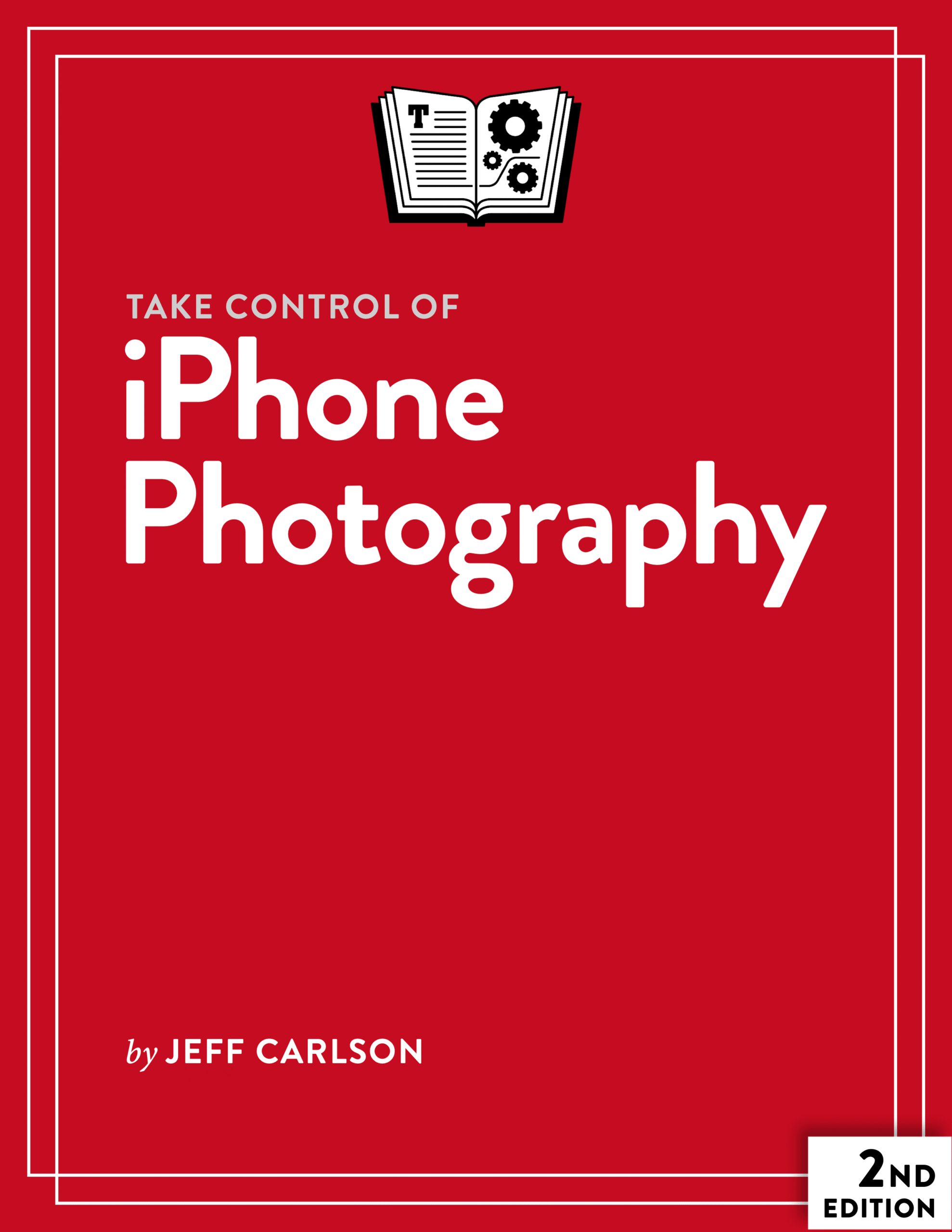
Take Control of iPhone Photography cover
ISBN:978-1-990783-87-6
Version:2.0
Pages:169
Size (PDF):7.8 MB
Date:March 30, 2026
Take your iPhone's cameras to the next level

Take Control of
iPhone Photography

Second Edition
Jeff Carlson

Would you like to unlock the powerful features of your iPhone’s cameras and create better photos and videos? This book is the friendly, step-by-step guide to capturing great photos using an iPhone, the camera that’s always with you, taught by an author and professional photographer who has been taking mobile photos on iPhones since the first model.

All Take Control books are delivered in two ebook formats—PDF and EPUB—and can be read on nearly any device. We do not sell printed books.

Clear
Add book + TC Premium to cart
Download Free Sample
  • Description
  • What’s New
  • Table of Contents
  • Blog
  • Reviews (0)

Apple’s iPhone marketing always emphasizes the cameras over most other features. And it’s true: iPhones have fantastic cameras, made even better by hardware and software that analyzes and improves your images as you take them. That makes your snapshots look better, but an iPhone can do so much more. Using your iPhone as a camera, you can create professional portraits and landscapes, capture stunning close-ups and remarkable low-light images, and even record cinema-quality video.

Also available: A bundle of Take Control of iPhone Photography and Take Control of Photos for just $20.

Photographer Jeff Carlson has spent decades honing his craft, and he brings his expertise with photography and Apple equipment together in this definitive guide to iPhone photography. Whether you’re a casual photographer wanting to get the best-quality photos or someone with lots of photographic experience who wants greater control over the iPhone’s cameras, this book has all the information you need.

In this book, you’ll learn:

  • All the details of Apple’s Camera app and the iPhone’s numerous options for triggering the shutter
  • How to use the new Camera Control on iPhone 16 and newer models
  • What Visual Intelligence is and how to use it (on supported iPhone models)
  • The best ways to compose your photographs to get the effect you want
  • How to take better selfies
  • What you can do to control the exposure and change the zoom level
  • The differences between optical zoom and digital zoom and how the iPhone cameras handle each
  • When and why to capture raw images
  • Options for capturing images in low light, such as Night Mode and the built-in LED flash
  • What to do when you want an extreme close-up (macro) image
  • Approaches to taking better portraits, including Apple’s Portrait Mode and Portrait Lighting
  • How to create a panoramic photo in either horizontal or vertical orientation
  • Why and how to create a Live Photo that features a few seconds of video
  • How to use Center Stage on an iPhone 17 or newer for adjusting to the number of people in a selfie shot
  • Ways you can alter a photo’s appearance with Filters and Photographic Styles, including “latest generation” Photographic Styles on an iPhone 16 or later
  • How to use the new Dual Capture mode on some recent iPhone models to record video from front and back cameras simultaneously
  • The details of Apple’s file formats available for photos and videos, including HEIC, JPEG, ProRAW, HEVC, and H.264
  • How aspect ratio, resolution, file format, and (for video) frame rate affect the size and quality of images
  • Numerous ways in which you can adjust settings to customize camera behavior
  • How to record video with your iPhone in standard, Slo-Mo, Time-Lapse, and Cinematic modes
  • What third-party apps and accessories can do to enhance your photography even further

This book covers the iPhone 12 and newer models, including the iPhone 17, 17 Pro, and 17e.

This richly illustrated book contains enough details to satisfy the most tech-savvy user, while also making the process of photography simple, accessible, and fun for beginners.

Jeff Carlson

About Jeff Carlson

Author and photographer Jeff Carlson (@jeffcarlson@twit.social on Mastodon, @jeffcarlson on Instagram and Threads) is a senior writer at CNET and a contributing editor at TidBITS. He is the author of Take Control of Apple Watch, Take Control of Your Digital Storage, and Take Control of Managing Your Files, among many other books. He believes there’s never enough coffee and does his best to test that theory.

What’s New in the Second Edition

Apple brought a new Liquid Glass interface to the iPhone experience with iOS 26, but they also changed how the Camera app works. All the basics are still there, just moved around in ways that aren’t easily discoverable.

But this isn’t solely an interface update; I’ve expanded some chapters and written new ones that cover the iPhone photography experience. Here’s what’s new in this edition:

  • Overall, the book has been updated for iOS 26 and the new Camera interface, including new screenshots throughout. In many places, that required rewrites for how some features work, such as the new approach to using advanced shooting controls like the Timer or Night Mode.
  • Added AirPods as a way of triggering the shutter. See “Take a Photo.”
  • When you tap the screen to specify a focus point, I added a note that this also locks exposure. See “Tap to Focus.”
  • The iPhone 17 and later include a new front-facing camera with Apple’s Center Stage feature for adjusting to the number of people in a selfie shot. See “Take a Selfie.”
  • Also added notes about using the Apple Watch and AirPods to trigger the rear cameras. See “Tips for Better Selfies.”
  • Apple removed a clever, but subtle, histogram indictor from the Camera app’s interface in iOS 26, so I deleted a sidebar in “Control the Exposure” that described it.
  • Night mode still works the same, but the way you switch between modes has changed in iOS 26. See “Photograph in Low Light.”
  • There’s a neat tip for quickly restarting a panorama photo. See “Capture a Panorama.”
  • Expanded the section on capturing still photos while shooting video. See “Record a Video.”
  • Also in the same chapter, I added a new section about recording sound, including how to use AirPods as external wireless microphones.
  • Some recent iPhone models feature a new Dual Capture mode when recording video. See “Record in Dual Capture Mode.”
  • Added a new chapter about working with the Shared Library feature that lets you capture photos and share them immediately with people you’ve invited. See “Store Photos in a Shared Library.”
  • Wrote a new chapter about camera accessories such as add-on lenses and filters. See “What About Camera Accessories?”
  • Read Me First
    • Updates and More
    • What’s New in the Second Edition
    • Orienting the Orientation
  • Introduction
  • iPhone Photography Quick Start
  • Start with a Snapshot
    • Take a Snapshot
    • Review the Image
  • Let’s Talk About the Camera Control
    • How the Camera Control Works
    • Configure the Camera Control Settings
    • Activate Visual Intelligence
  • All the Ways to Open the Camera App
  • Take a Photo
    • First, a Quick Pre-Check
    • Tap to Focus
    • Trigger the Shutter
    • Use the Timer
  • Take a Selfie
    • How to Capture a Selfie
    • Tips for Better Selfies
  • Compose Your Shot
    • Learn Composition Basics
    • Enable Grid Lines
    • Mind the Level
    • View Outside the Frame
    • Optionally Select an Aspect Ratio
  • Control the Exposure
    • Drag the Exposure Slider
    • Set the Exposure Control
    • Set Exposure Using the Camera Control
  • Choose a Zoom Level
    • Change Zoom Levels
    • Understand Optical and Digital Zoom
    • When the Camera Picks Digital Zoom
  • Choose a Resolution
    • Understand Resolution on iPhone Cameras
    • Capture High-Resolution Photos
  • Why and How to Shoot Raw
    • How to Capture Raw Images
    • Apple ProRAW vs. Other Raw Formats
  • Photograph in Low Light
    • Night Mode
    • Use the Flash
  • Capture Photos in Bursts
    • Take Photo Bursts
    • View Photo Bursts in the Photos App
  • Get Close Using Macro Mode
    • Capture Macro Photos
    • Capture High-Resolution Macro Photos
  • Capture a Portrait
    • Portrait Mode
    • Portrait Lighting
    • Editing Portrait Effects Later
    • General Portrait Advice
  • Capture a Panorama
    • Create a Panorama
    • Panorama Advice
  • Capture in Live Photo Mode
    • Take Live Photos
    • Apply Live Photo Effects
    • Choose an Alternative Key Photo
    • Make a New Image from a Live Photo
  • Use Filters and Photographic Styles
    • Apply Filters
    • Set and Apply Photographic Styles (First Generation)
    • Set and Apply Photographic Styles (Latest Generation)
  • Use a Third-Party Camera App
    • Focus Manually
    • Choose Shutter Speed and ISO
    • Set White Balance
    • Use Macro Mode on Non-Pro Models
    • Capture Raw (not ProRAW)
  • Record Video
    • Understand Video Format Basics
    • Record a Video
    • Record a Slo-Mo Video
    • Create a Time-Lapse Video
    • Record in Cinematic Mode
    • Record in Dual Capture Mode
    • Capture Spatial Video and Photos
  • Store Photos in a Shared Library
    • Set up a Shared Library
    • Capture Photos to a Shared Library
    • Move Photos Into and Out of a Shared Library
  • What About Camera Accessories?
    • Lens Attachments
    • Lens Filters
    • Camera Grips
    • Tripod Mounts
    • Camera Cages
  • About This Book
    • Ebook Extras
    • About the Author
    • About the Publisher
  • Copyright and Fine Print

Jeff Carlson Discusses iPhone Photography on MacVoices

Posted by Joe Kissell on April 16, 2026

Jeff Carlson joined host Chuck Joiner on MacVoices to talk about Take Control of iPhone Photography, Second Edition.

In part one, Jeff covers what’s new in iOS 26, hidden controls, and a variety of iPhone photography basics.

In part two, Jeff talks about iPhone hardware changes, user interface challenges, and what made this second edition of his book more complicated.

In part three, Jeff talks about third-party accessories and new iPhone features.

Jeff Carlson Talks iPhone Photography on MacVoices

Posted by Joe Kissell on April 12, 2024

Jeff Carlson joined host Chuck Joiner on MacVoices to talk about Take Control of iPhone Photography.

In part one, Jeff talks about iPhone photography basics, including settings everyone should know about.

In part two, Jeff goes into more detail about lesser-known and advanced features of the iPhone Camera app.

Reviews

There are no reviews yet.

Be the first to review “Take Control of iPhone Photography”

You must be logged in to post a review.

You may also like…

  • iPhone and iPad Basics cover

    iPhone and iPad Basics

    All Take Control books are delivered in two ebook formats—PDF and EPUB—and can be read on nearly any device. We do not sell printed books.

    Clear
    Download Free Sample
  • Take Control of iCloud cover

    Take Control of iCloud

    Rated 4.50 out of 5

    All Take Control books are delivered in two ebook formats—PDF and EPUB—and can be read on nearly any device. We do not sell printed books.

    Clear
    Download Free Sample
  • Take Control of Apple Watch cover

    Take Control of Apple Watch

    All Take Control books are delivered in two ebook formats—PDF and EPUB—and can be read on nearly any device. We do not sell printed books.

    Clear
    Download Free Sample
  • Take Control of Your Digital Photos cover

    Take Control of Your Digital Photos

    All Take Control books are delivered in two ebook formats—PDF and EPUB—and can be read on nearly any device. We do not sell printed books.

    Clear
    Download Free Sample
  • Take Control of Your Digital Storage cover

    Take Control of Your Digital Storage

    All Take Control books are delivered in two ebook formats—PDF and EPUB—and can be read on nearly any device. We do not sell printed books.

    Clear
    Download Free Sample
  • Take Control of Photos cover

    Take Control of Photos

    Rated 5.00 out of 5

    All Take Control books are delivered in two ebook formats—PDF and EPUB—and can be read on nearly any device. We do not sell printed books.

    Clear
    Download Free Sample

© 2026 alt concepts   •   Blog | FAQ | Contact | Privacy   •   RSS   •   Follow us on Bluesky • Mastodon

  • My Account
  • Search
  • Cart 0
Take Control Books

Forgot Password?

  • Login
Forgot Password?
Lost your password? Please enter your username or email address. You will receive a link to create a new password via email.
We use cookies to manage your orders and preferences. We never sell your data and we do not use third-party tracking cookies, though embedded content (such as YouTube videos) may use tracking cookies. We suggest you click Functional Cookies Only to refuse third-party, non-functional cookies.