Take Control Books
Skip to navigation Skip to content
Take Control Books

Expert Advice from Leading Tech Authors

Returning customer? Please log in:

  •  

  • Catalog
  • About
  • Authors
  • FAQ
  • Blog
  • Contact
  • Account
  • Library
  • Our Stance on AI
  • Log In
  • Catalog
  • About
  • Authors
  • FAQ
  • Blog
  • Contact
  • Account
    • Log In
    • Account Help
    • Account Details
  • Library
  • Our Stance on AI
  • $0.00 0 items
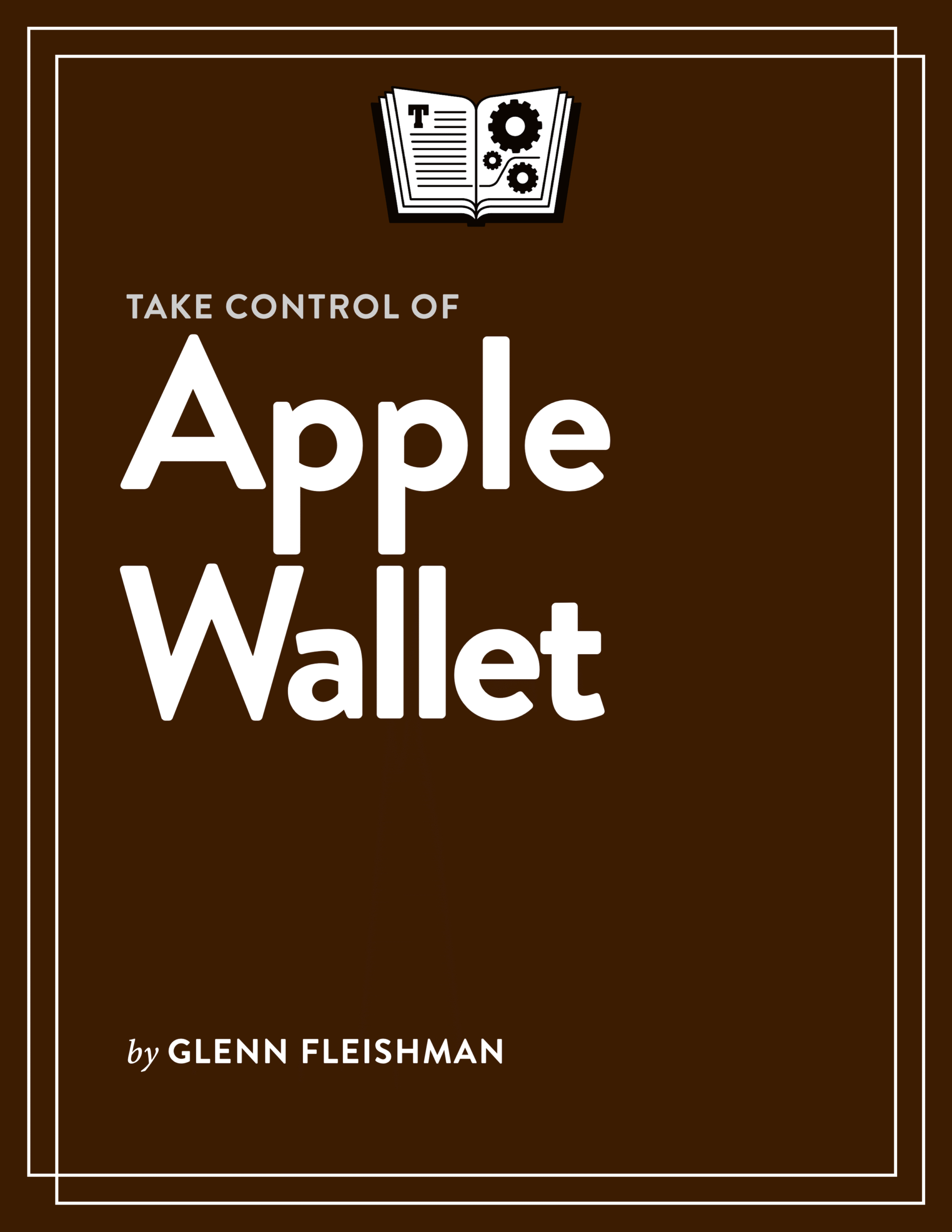
Take Control of Apple Wallet cover
ISBN:978-1-990783-85-2
Version:1.1.1
Pages:115
Size (PDF):4.0 MB
Date:April 15, 2026
Master the Swiss army knife of stored cards and passes

Take Control of
Apple Wallet

Glenn Fleishman

If you ever felt frustrated using Wallet for the iPhone or Apple Watch, Take Control of Apple Wallet is for you. Glenn Fleishman walks you through everything Wallet can do, which has grown to be quite a lot over the years. You learn to add and manage payment cards, track orders, work with digital keys, install transit passes, and much more.

All Take Control books are delivered in two ebook formats—PDF and EPUB—and can be read on nearly any device. We do not sell printed books.

Clear
Add book + TC Premium to cart
Download Free Sample
  • Description
  • What’s New
  • Table of Contents
  • Reviews (0)

“A book about Wallet? Really? Are you pulling my leg? Shouldn’t an app that just holds payment cards and store/membership cards be simple enough to use without a 100-plus-page book?”

Look, that’s what we thought, too, but we kept running up against pain points in Wallet for iPhone and Apple Watch, along with Apple Pay nuances, that took us aback. And we kept finding obscured features that we had to dig for. In particular, both author Glenn Fleishman and editor Joe Kissell kept saying “huh!” and then documenting that “huh” so you don’t say it, too.

In the end, Glenn dissects Wallet, pulling its virtual pieces apart, so you can use more of its surprisingly rich set of offerings, and avoid bumping against what it doesn’t do—particularly when there’s no error or feedback about why it’s not working.

While the iPhone’s Wallet app bulges the most with features and options, Glenn thoroughly covers the Wallet app on the Apple Watch. He also explains where the Wallet & Apple Pay settings on an iPad and Mac fit in, since you can use and manage Apple Pay and autofillable cards on those two operating systems as well.

The book covers these topics:

  • Understand how Apple organizes wallet on an iPhone and Apple Watch.
  • Configure the many Wallet options, scattered around the app and Settings.
  • Work with payment cards, exploring the details available when a card is added.
  • Get to know AutoFill cards, and how they differ from Apple Pay payment cards.
  • Learn about how Apple Pay protects card security, and the many ways you can use it.
  • Dig into the unique characteristics of Apple Card, Apple Cash, and Apple Savings.
  • Export statement data from Apple Card, Apple Cash, and Apple Savings to import into financial management apps.
  • Explore the nuances of how features and limitations vary for using Apple Pay on an iPhone, iPad, Mac, and Apple Watch.
  • Manage and use passes that give you access to an event (such as a concert or movie).
  • Board a plane, train, or other scheduled transit with a digital pass.
  • Set a payment card for express transit entry for systems that support Apple Pay—and even use it when your phone is on reserve power.
  • Install transit network cards.
  • Understand where the Wallet & Apple Pay settings on iPad and Mac fit in with the iPhone and Apple Watch Wallet app.
  • Get the advantages of store and other loyalty and reward cards without carrying a zillion pieces of plastic.
  • Create a digital ID from a U.S. driver’s license (in some states), or a limited digital version of your U.S. passport for TSA entry.
  • Track Apple Pay orders gleaned from your various Apple devices.
  • Discover where Apple stows preauthorized payments made with Apple Pay, and how to manage them.

Glenn Fleishman

About Glenn Fleishman

Take Control Books Executive Editor Glenn Fleishman spent 30 years writing for publications like The Atlantic, Fast Company, The Economist, The New York Times, Macworld, and TidBITS. Glenn now focuses his time on Take Control Books, Six Colors (as a columnist), and his own micro-publishing endeavor, Aperiodical, where he writes books about type, printing, comics, and language history, like Six Centuries of Type & Printing and How Comics Are Made. You can find Glenn on Mastodon and Bluesky. Reach him by email at glenn@glennf.com.
What’s New in Version 1.1.1

This update has minor typo fixes.

What Was New in Version 1.1

If you already thought it was amusing to read a book that’s over 110 pages long on Apple Wallet, here’s another laugh: I omitted one additional way to use AutoFill Cards via a form field in Safari on an iPhone, iPad, or Mac! This method is useful when Safari fails to recognize payment fields. I rectified this in “Pay with an Autofill Card.”

The day after version 1.0 of this book shipped, Apple announced a very small update in the terms for instant payouts from Apple Savings. Starting on February 18, 2026, the fee has gone up very slightly. I omitted mentioning this fee previously; now you can read about the old and new rates in “Earn with Apple Savings.”

Georgia was somehow omitted from the list of states that support Apple’s digital version of a state-issued ID. See “Add a U.S. ID.”

  • Read Me First
    • Updates and More
    • What’s New in Version 1.1.1
    • What Was New in Version 1.1
  • Introduction
  • Open Your Wallet
    • Browse Wallet on Apple Watch
    • Find Wallet Extras
    • Rifle Through Wallet
    • Adjust Wallet Settings
    • Examine Wallet on iPad and Mac
  • Handle Payment Cards
    • Add a Payment Card to Wallet
    • Set AutoFill Cards
    • Manage Payment Cards in Wallet
  • Use Apple Pay
    • Configure Apple Pay
    • Use Apple Pay in Person
    • Use Apple Pay in an App
    • Use Apple Pay in Safari
    • Use Apple Pay Outside Safari or an Apple Device
  • Work with Apple Financial Offerings
    • Access an Apple Card
    • Send and Receive Money with Apple Cash
    • Earn with Apple Savings
  • Manage Cards, Tickets, and Passes
    • Store Persistent Cards
    • Add Event-Based Passes
    • Present Transit Cards
  • Put Digital Keys on Wallet’s Chain
    • Unlock with Apple Home
    • Unlock Your Car
    • Unlock a Rental or Other Property
  • Present Digital IDs
    • Add a U.S. ID
    • Prove Your Age at a Location
    • Show Your ID to TSA
  • Track Orders
    • Control Which Orders Are Tracked
    • Review Your Orders
    • Examine Preauthorized Payments
  • About This Book
    • Ebook Extras
    • About the Author
    • About the Publisher
  • Copyright and Fine Print

Reviews

There are no reviews yet.

Be the first to review “Take Control of Apple Wallet”

You must be logged in to post a review.

You may also like…

  • iPhone and iPad Basics cover

    iPhone and iPad Basics

    All Take Control books are delivered in two ebook formats—PDF and EPUB—and can be read on nearly any device. We do not sell printed books.

    Clear
    Download Free Sample
  • Take Control of Your Apple Account cover

    Take Control of Your Apple Account

    All Take Control books are delivered in two ebook formats—PDF and EPUB—and can be read on nearly any device. We do not sell printed books.

    Clear
    Download Free Sample
  • Take Control of iOS 26 and iPadOS 26 cover

    Take Control of iOS 26 and iPadOS 26

    All Take Control books are delivered in two ebook formats—PDF and EPUB—and can be read on nearly any device. We do not sell printed books.

    Clear
    Download Free Sample

© 2026 alt concepts   •   Blog | FAQ | Contact | Privacy   •   RSS   •   Follow us on Bluesky • Mastodon

  • My Account
  • Search
  • Cart 0
Take Control Books

Forgot Password?

  • Login
Forgot Password?
Lost your password? Please enter your username or email address. You will receive a link to create a new password via email.
We use cookies to manage your orders and preferences. We never sell your data and we do not use third-party tracking cookies, though embedded content (such as YouTube videos) may use tracking cookies. We suggest you click Functional Cookies Only to refuse third-party, non-functional cookies.