
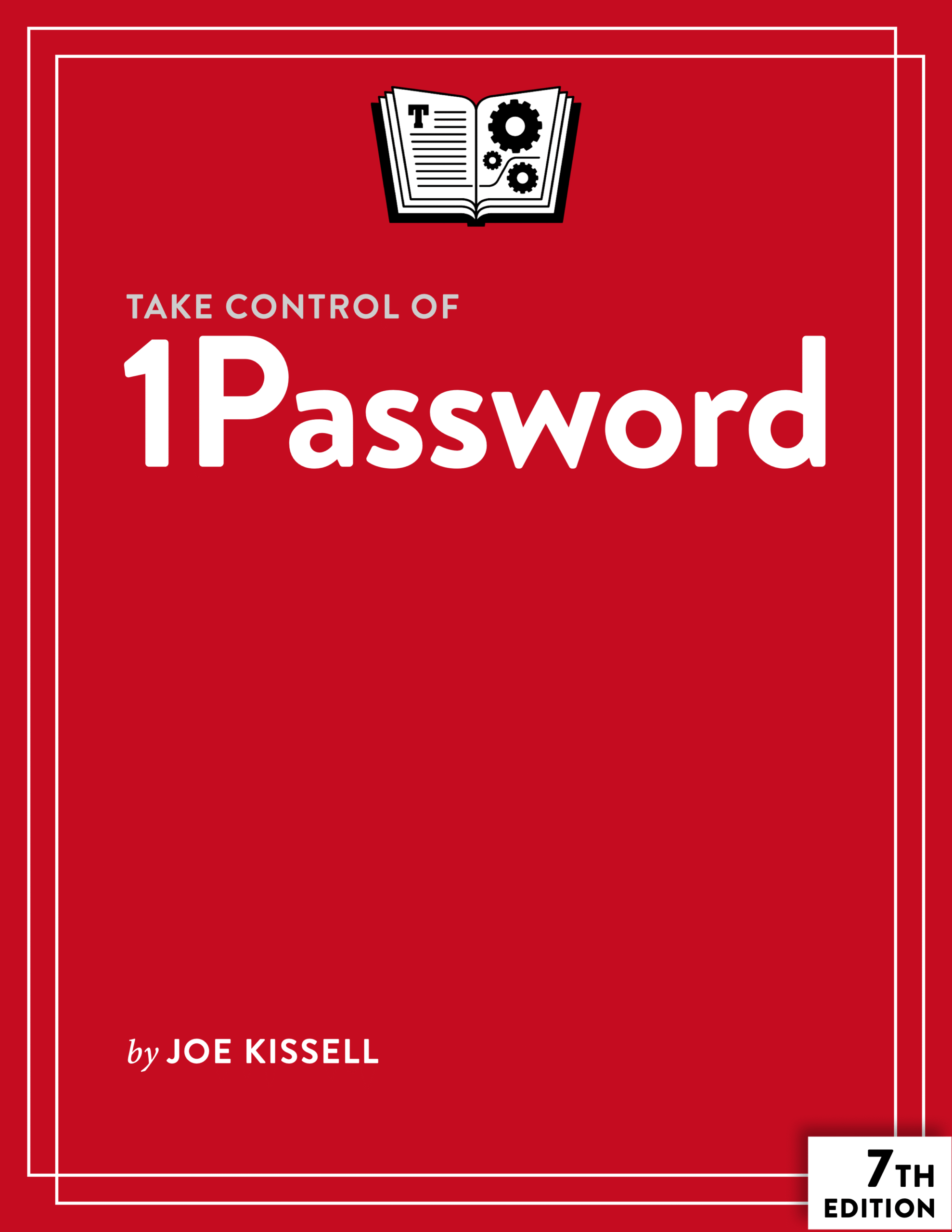
Wrangling your web passwords can be easy and secure, thanks to 1Password, the popular password manager from AgileBits. In this book, Joe Kissell brings years of real-world 1Password experience into play to explain not only how to create, edit, and enter web login data easily, but also how to autofill contact and credit card info when shopping online, audit your passwords and generate better ones, handle two-factor authentication (2FA), sync data across devices using a hosted 1Password account (individual, family, or business), and securely share passwords with family members, coworkers, and friends.
This fully revised seventh edition covers 1Password version 8 for Mac, Windows, Linux, iPhone/iPad, Android, and Apple Watch. It does not include instructions for using earlier versions of 1Password.
Topics include:
Meet 1Password: Set your master password, explore the various 1Password components, and decide on your ideal usage strategy.
Master logins: In 1Password, a typical login contains a set of credentials used to sign in to a website. Find out how to create logins, sort them, search them, tag them, and more. You’ll also find help with editing logins—for example, changing a password or adding further details.
Understand password security: Get guidance on what makes for a good password, and read Joe’s important Password Dos and Don’ts. A special topic covers how to perform a security audit in order to improve poor passwords quickly.
Go beyond web logins: A primary point of 1Password is to speed up web logins, but 1Password can also store and autofill contact information (for more than one identity, even), along with credit card information. You’ll also find advice on storing SSH keys, passwords for password-protected files and encrypted disk images, confidential files, software licenses, scans of important cards or documents, and more.
Sync your passwords: Discover how 1Password can sync all your data securely across your devices.
Share your passwords: Learn to store passwords within a family or team hosted account, or even with people who don’t already use 1Password at all.
You’ll also discover the answers to key questions, including:
- Should I keep using my web browser’s autofill feature?
- What about iCloud Keychain and Apple’s Passwords app? Should I use those too?
- Do I need the full 1Password app, or is the browser extension enough?
- How does the Universal Autofill feature for Mac work across browsers and apps?
- What are passkeys, and what can 1Password do with them?
- How can 1Password help me with sites where I sign in with my Apple, Google, or Facebook account?
- What’s the easy way to prevent sensitive information from falling into the wrong hands at a border crossing?
- What can I do quickly to get better password security?
- How can I find and update weak passwords I created long ago?
- What should I do about security questions, like the name of my pet?
- How can 1Password provide a time-based one-time password (TOTP)?

About Joe Kissell
Joe Kissell is the author of more than 75 books about technology. In 2017, he also became the publisher of Take Control Books, when alt concepts—the company he runs with his wife, Morgen Jahnke—acquired the Take Control imprint from TidBITS Publishing Inc.’s owners, Adam and Tonya Engst. Before he began writing full-time in 2003, Joe managed software development, a totally normal profession for someone with degrees in philosophy and linguistics.
In his rare non-work hours, Joe likes to walk, cook, read, and teach tai chi. He lives in Saskatoon, Saskatchewan, Canada, with Morgen and their sons. You can follow him on Mastodon (@joekissell) or Bluesky (@joekissell.com), or visit his personal website, JoeKissell.com.

Reviews
There are no reviews yet.