
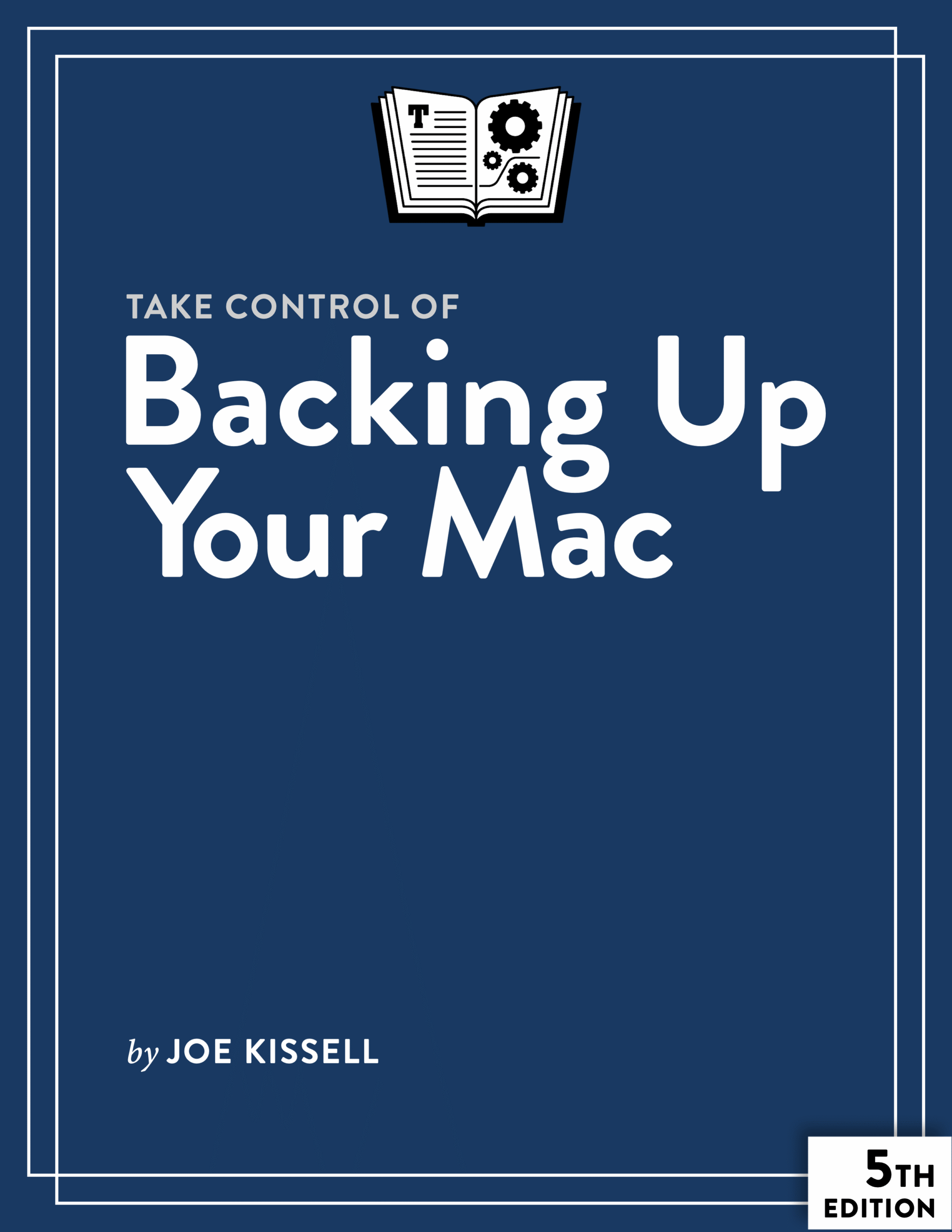
Creating and maintaining a solid backup plan is essential to anyone who uses a Mac, in order to prevent the loss of important data if disaster strikes—whether through hardware or software failure, theft, human error, or other mishap. In Take Control of Backing Up Your Mac, Fifth Edition, tech expert Joe Kissell explains how to design a sensible backup strategy, choose and configure the best backup hardware and software for your needs, and understand how to make your backups as painless as possible. His advice is equally useful to those who have never had a backup system and those whose backup systems are in need of an update.
Note: The fifth edition of this book covers macOS 11 Monterey through macOS 26 Tahoe.
The book delves into the challenges presented by recent versions of macOS, M-series Macs, and the ever-changing landscape of Mac backup hardware, software, and cloud services. It explains what you need to know about bootable (and non-bootable) duplicates, backup media, and disk formats, as well as recent changes in Time Machine and the weird world of APFS snapshots. It also shows you how to include in your backups files and folders that are stored in the cloud, even if there’s no local copy of them.
Using this book, you’ll learn how to:
- Design (or update) the ideal backup system: If you’re starting from scratch, you’ll find all the information necessary to assemble a reliable and easy-to-use backup system. If you’re updating an existing system, you’ll learn about what’s new in hardware, software, and online services that might affect the way you back up your Mac in the future.
- Choose backup software: Apple’s Time Machine is both free and easy to use, but it’s not the best choice for everyone, and even if you do use Time Machine, you’ll certainly want to supplement it with other tools. You’ll learn about key features to look for in a backup app and find tips on using several popular tools. You’ll also discover the pros and cons of cloud backup services, and get help choosing the right one. (An online appendix covers dozens of apps and services.)
- Shop for hardware: Depending on your needs and goals, you may need one or more external SSDs or hard drives, but the range of options (sizes, interfaces, speeds, and more) can be bewildering. Joe helps you find the best backup hardware, whether it’s individual SSDs or hard drives, RAIDs, NAS devices, or other options.
- Make and maintain backups: Once you’ve selected hardware and software, you’ll need to know how to make your first backup, set up your backups to run unattended, and test them regularly to make sure they’re working as they should. This includes both versioned backups (which contain old file versions and deleted files) and—for some users—bootable or non-bootable (data-only) clones. And, you’ll learn about strategies for keeping extra backups offsite.
- Operate Time Machine: If you choose Time Machine for versioned backups, you’ll learn how to back up and restore individual files and even an entire disk. You’ll also discover why and how to encrypt Time Machine backups, how APFS snapshots work (inside and outside Time Machine), and what to do if Time Machine misbehaves.
- Deal with unusual backup needs: If you deal with exceptionally large files (such as audio and video files), spend a lot of time on the road away from your usual backup hardware, run Windows on your Mac, or rely on cloud services to store essential data, you’ll want to take extra (or different) steps to make sure everything is safely backed up. You’ll also learn various approaches to backing up and restoring data from Apple’s Notes app.
- Manage your media: What happens when a backup drive fills up, or becomes so old that you worry about its future reliability? What if you want to archive older files for posterity, but not necessarily maintain them as part of your daily backups? Joe explains how to deal with media management tasks such as these.
- Recover lost data: Backing up data can be easy, but restoring it is often more challenging. When you discover that data is missing—whether due to a disk error, theft, or a simple mistake—you need to know the exact steps needed to recover it and get back to work as soon as possible.

About Joe Kissell
Joe Kissell is the author of more than 75 books about technology. In 2017, he also became the publisher of Take Control Books, when alt concepts—the company he runs with his wife, Morgen Jahnke—acquired the Take Control imprint from TidBITS Publishing Inc.’s owners, Adam and Tonya Engst. Before he began writing full-time in 2003, Joe managed software development, a totally normal profession for someone with degrees in philosophy and linguistics.
In his rare non-work hours, Joe likes to walk, cook, read, and teach tai chi. He lives in Saskatoon, Saskatchewan, Canada, with Morgen and their sons. You can follow him on Mastodon (@joekissell) or Bluesky (@joekissell.com), or visit his personal website, JoeKissell.com.

Reviews
There are no reviews yet.