Take Control Books
Skip to navigation Skip to content
Take Control Books

Expert Advice from Leading Tech Authors

Returning customer? Please log in:

  •  

  • Catalog
  • About
  • Authors
  • FAQ
  • Blog
  • Contact
  • Account
  • Library
  • Our Stance on AI
  • Log In
  • Catalog
  • About
  • Authors
  • FAQ
  • Blog
  • Contact
  • Account
    • Log In
    • Account Help
    • Account Details
  • Library
  • Our Stance on AI
  • $0.00 0 items
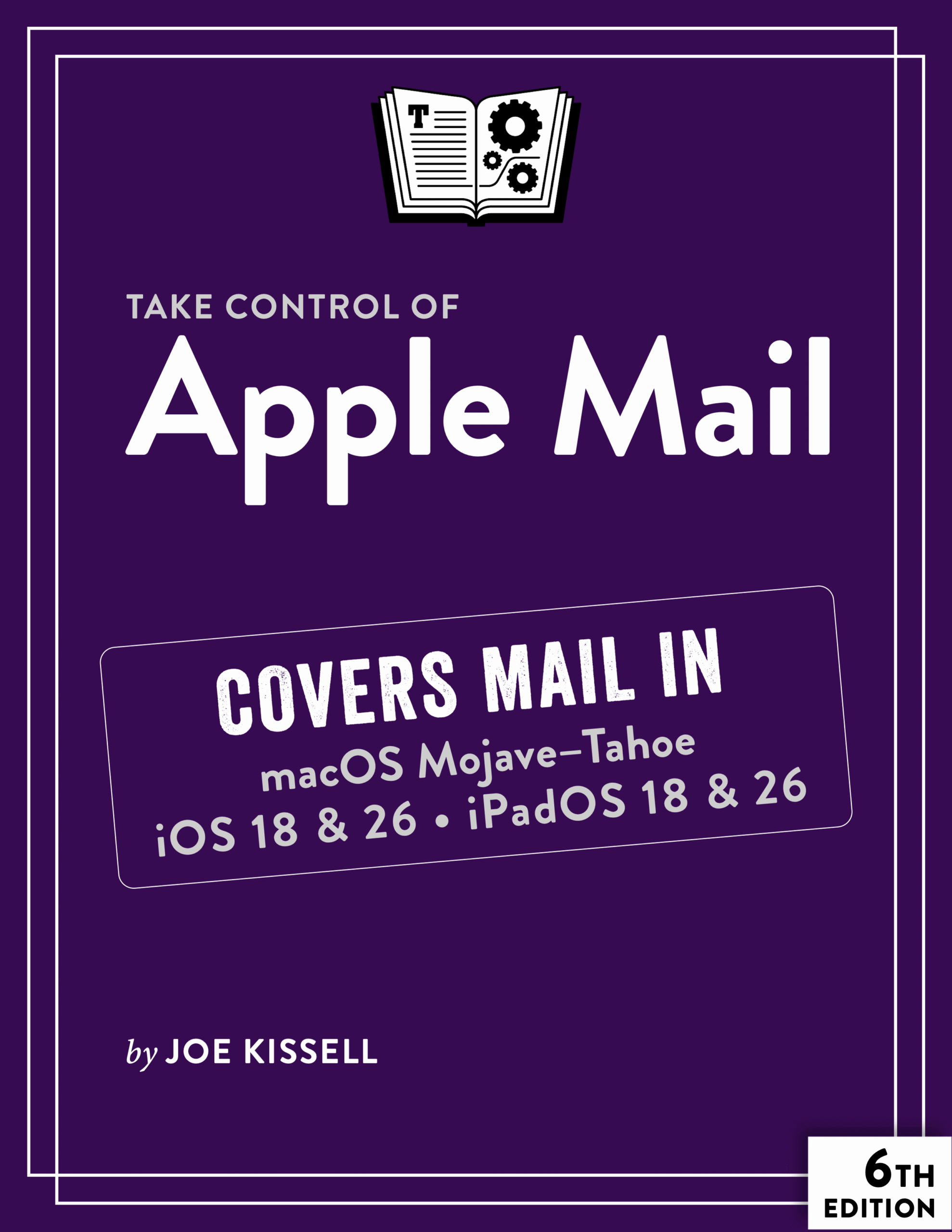
Take Control of Apple Mail cover
ISBN:978-1-990783-24-1
Version:6.3
Pages:293
Size (PDF):5.2 MB
Date:February 10, 2026
Master Mail for Mac, iPhone, and iPad!

Take Control of
Apple Mail

Sixth Edition
Joe Kissell

Use Apple Mail more effectively! Email expert Joe Kissell explains what’s new with Mail for Mac, iPhone, and iPad, and how to best set up your Gmail, iCloud, IMAP, and Exchange accounts. He then shows you how to take Mail to the next level with plugins and automation, manage your incoming email, customize Mail, and solve common problems.

All Take Control books are delivered in two ebook formats—PDF and EPUB—and can be read on nearly any device. We do not sell printed books.

Clear
Add book + TC Premium to cart
Download Free Sample
  • Description
  • What’s New
  • Table of Contents
  • Blog
  • Reviews (0)

Take Control of Apple Mail is your complete guide to Apple’s Mail app. In this book, Joe explains core concepts like special IMAP mailboxes and email archiving, reveals Mail’s hidden interface elements and gestures, and helps with common tasks like addressing and adding attachments. He also offers tips on customizing Mail, including a chapter on how extensions and automation can dramatically improve the way you use Mail. Joe also covers finding that message in the haystack with Mail’s natural-language search, improving the messages you send, how digital signatures and encryption work in Mail, and—perhaps most important—an award-winning strategy for avoiding email overload.

You’ll quickly find the information that’s most important to you, including:

  • Key changes in Mail for Tahoe, Sequoia, iOS 26/iPadOS 26, and iOS 18/iPadOS 18
  • How to take advantage of the Mail privacy features Mail Privacy Protection and Hide My Email
  • Getting through your email faster with gestures
  • Using advanced search techniques to find filed messages
  • Using third-party add-ons to enhance how you use Mail
  • The whys and hows of sending attachments
  • Defeating spam with the Junk Mail filter—and what to do if you need more firepower
  • Understanding special mailboxes like Sent, Drafts, and Junk
  • Taking charge of email organization with rules and other measures
  • Backing up and restoring email
  • Importing email from other apps, older versions of Mail, or another Mac
  • Deciding whether you should encrypt your email, along with detailed, real-world steps for signing and encrypting messages
  • Taking Mail to the next level with AppleScript and Automator
  • Key skills for using Mail for iPhone and iPad, such as working with incoming and outgoing messages, using attachments, and configuring accounts
  • Fixing problems: receiving, sending, logging in, bad mailboxes, and more

Although this book primarily covers Mail in macOS 10.14 Mojave through macOS 26 Tahoe, iOS 26/iPadOS 26, and iOS 18/iPadOS 18, the majority of it is also applicable to earlier versions.

Photo of Joe Kissell

About Joe Kissell

Joe Kissell is the author of more than 75 books about technology. In 2017, he also became the publisher of Take Control Books, when alt concepts—the company he runs with his wife, Morgen Jahnke—acquired the Take Control imprint from TidBITS Publishing Inc.’s owners, Adam and Tonya Engst. Before he began writing full-time in 2003, Joe managed software development, a totally normal profession for someone with degrees in philosophy and linguistics.

In his rare non-work hours, Joe likes to walk, cook, read, and teach tai chi. He lives in Saskatoon, Saskatchewan, Canada, with Morgen and their sons. You can follow him on Mastodon (@joekissell) or Bluesky (@joekissell.com), or visit his personal website, JoeKissell.com.

What’s New in Version 6.3

Version 6.3 of this book added coverage of macOS 26 Tahoe and iOS 26/iPadOS 26, and dropped coverage of iOS 17/iPadOS 17. There were hundreds of fiddly little changes involving new icons, rearranged settings, slightly different procedures, and the like throughout the book. The most notable changes are:

  • Added “Mail Changes in Tahoe” and “Mail Changes in iOS 26 & iPadOS 26” to provide an overview of what’s different
  • Updated “Work with Notifications” to reflect significant changes in Tahoe
  • In “Organize by Conversation,” described new mark-as-read options
  • Added information about the new Shortcuts automation for Mail in “What About Shortcuts?”
  • Included a note about a new prompt to search all mailboxes in “Use Suggestions and Tokens”
  • Mentioned a problem with creating smart mailboxes in Tahoe (see “Create a Smart Mailbox”), a missing Mute icon (see “Mute Conversations”), and a missing unsubscribe banner (see “Unsubscribe from Mailing Lists”)
  • Described a change to how blocked senders are managed in “Set Mail’s Junk Mail Filter Correctly”
  • Updated “Search for Messages” to cover the improved interface in iOS 26/iPadOS 26
  • Added a new topic about an iPhone/iPad interface element that I call the control bar; see “Use the Control Bar”
  • Expanded “Scans” to include the new Scan Text feature

Note: Because of the significant interface changes in iOS 26/iPadOS 26, I’ve updated screenshots for iPhone and iPad to show those new versions, particularly because this version of the book looks back just to iOS 18/iPadOS 18. I’ve kept most older Mac screenshots, since I cover releases all the way back to 10.14 Mojave. I included images from 26 Tahoe when there is something different enough to show.

  • Read Me First
    • Updates and More
    • Settings vs. Preferences
    • What’s New in Version 6.3
  • Introduction
  • Apple Mail Quick Start
  • Learn What’s New in Mail
    • Mail Changes in Tahoe
    • Mail Changes in Sequoia
    • Mail Changes in Sonoma
    • Mail Changes in Ventura
    • Mail Changes in Monterey
    • Mail Changes in Big Sur
    • Mail Changes in Catalina
    • Mail Changes in Mojave
    • Mail’s Disappearing Features
    • Mail Changes in iOS 26 & iPadOS 26
  • Learn About Email Protocols
    • POP
    • IMAP
    • SMTP
    • IMAP and POP Misconceptions
    • Switch from POP to IMAP
    • iCloud
    • Exchange
    • Gmail
    • Fetch, Push, and IMAP IDLE
  • Master Mail Concepts
    • Set Up Accounts
    • Decode the Mail Sidebar
    • Understand Special Mailboxes
    • Hide or Show Contact Photos
    • Manage Mail Categories
    • View Priority Messages
    • View Message and Thread Summaries
    • Use Smart Replies
    • Use Apple Intelligence Writing Tools
    • Control Mail Formatting
    • Use Hidden Interface Elements
    • Use Gestures
    • Work in Full-Screen Mode
    • Address Addressing
    • Undo Sending a Message
    • Schedule a Message
    • Follow Up on Messages Awaiting Replies
    • Remind Yourself About Important Messages
    • Get Notifications for Missing Attachments and Recipients
    • Compose Messages with Rich Links
    • File Messages
    • Archive Messages
    • Work with Notifications
    • Use Data Detectors
    • Manage Attachments
    • Move Between Devices with Handoff
  • Customize Mail
    • Sidebar
    • Favorites
    • Tabbed Windows
    • Toolbars
    • Message Header
    • Views
    • Message List
    • Message Filters
    • VIPs
    • Signatures
    • Keyboard Shortcuts
  • Improve Your Privacy
    • Use Mail Privacy Protection
    • Hide Your Email Address
  • Extend and Automate Mail
    • Understand Plugins vs. Extensions
    • Use Plugins
    • Use Extensions
    • Noteworthy Plugins and Extensions
    • Archive and Search Messages
    • Use AppleScript and Automator
  • Use Gmail with Mail
    • Understand How Mail Works (or Not) with Gmail
    • Set Up Mail to Use Gmail
    • Avoid Gmail Problems
  • Find Your Messages
    • Perform a Natural Language Search
    • Perform a Conventional Search
    • Search for a Phrase
    • Use Boolean Expressions
    • Search by Date Range
    • Search Within the Current Message
    • Work Smarter with Smart Mailboxes
  • Take Control of Your Inbox
    • Take Responsibility
    • Consolidate Your Accounts
    • Mute Conversations
    • Optimize Your Mailboxes
    • Use Rules
    • Control Spam
    • Develop an Email Strategy
    • Back Up and Restore Your Email
    • Import Email
  • Become a Better Correspondent
    • Don’t Be Part of the Problem
    • Choose Formatting Wisely
    • Use Attachments Judiciously
    • Quote Effectively
  • Sign and Encrypt Messages
    • Learn When and Why to Sign or Encrypt Messages
    • Use S/MIME Encryption
    • Use GnuPG for Mail
    • Sign and Encrypt Messages on iPhone and iPad
  • Fix Mail Problems
    • Fix Incoming Mail Problems
    • Fix Outgoing Mail (SMTP) Problems
    • Untangle Special Mailboxes
    • Fix Mailbox Problems
    • Fix Searching Errors
    • Deal with Recovered Messages
    • Free Up Disk Space Used by Mail
    • Solve Other Problems
  • Use Mail for iPhone & iPad
    • Mail for iPhone/iPad vs. Mail for Mac
    • Configure Mail for iPhone and iPad
    • Work with Incoming Email
    • Work with Outgoing Email
    • Use Drag and Drop
    • Troubleshoot iPhone and iPad Mail Problems
  • About This Book
    • Ebook Extras
    • About the Author and Publisher
    • Credits
  • Also by Joe Kissell
  • Copyright and Fine Print

MacVoices gets an earful about Apple Mail from Joe Kissell

Posted by Joe Kissell on June 12, 2020

I joined Chuck Joiner on MacVoices in a two-part interview to discuss the fifth edition of my book Take Control of Apple Mail.

In Part 1, I talk about some of the bugs and design flaws in Mail for Catalina.

In Part 2, I stay hydrated while talking about plugins, security issues, and the challenges of email for ordinary users.

Reviews

There are no reviews yet.

Be the first to review “Take Control of Apple Mail”

You must be logged in to post a review.

You may also like…

  • Take Control of iCloud cover

    Take Control of iCloud

    Rated 4.50 out of 5

    All Take Control books are delivered in two ebook formats—PDF and EPUB—and can be read on nearly any device. We do not sell printed books.

    Clear
    Download Free Sample
  • iPhone and iPad Basics cover

    iPhone and iPad Basics

    All Take Control books are delivered in two ebook formats—PDF and EPUB—and can be read on nearly any device. We do not sell printed books.

    Clear
    Download Free Sample
  • Take Control of Tahoe cover

    Take Control of Tahoe

    All Take Control books are delivered in two ebook formats—PDF and EPUB—and can be read on nearly any device. We do not sell printed books.

    Clear
    Download Free Sample
  • Take Control of Your Online Privacy cover

    Take Control of Your Online Privacy

    All Take Control books are delivered in two ebook formats—PDF and EPUB—and can be read on nearly any device. We do not sell printed books.

    Clear
    Download Free Sample
  • Take Control of Your Apple Account cover

    Take Control of Your Apple Account

    All Take Control books are delivered in two ebook formats—PDF and EPUB—and can be read on nearly any device. We do not sell printed books.

    Clear
    Download Free Sample
  • Mac Basics cover

    Mac Basics

    All Take Control books are delivered in two ebook formats—PDF and EPUB—and can be read on nearly any device. We do not sell printed books.

    Clear
    Download Free Sample
  • Take Control of Backing Up Your Mac cover

    Take Control of Backing Up Your Mac

    All Take Control books are delivered in two ebook formats—PDF and EPUB—and can be read on nearly any device. We do not sell printed books.

    Clear
    Download Free Sample

© 2026 alt concepts   •   Blog | FAQ | Contact | Privacy   •   RSS   •   Follow us on Bluesky • Mastodon

  • My Account
  • Search
  • Cart 0
Take Control Books

Forgot Password?

  • Login
Forgot Password?
Lost your password? Please enter your username or email address. You will receive a link to create a new password via email.
We use cookies to manage your orders and preferences. We never sell your data and we do not use third-party tracking cookies, though embedded content (such as YouTube videos) may use tracking cookies. We suggest you click Functional Cookies Only to refuse third-party, non-functional cookies.