Take Control Books
Skip to navigation Skip to content
Take Control Books

Expert Advice from Leading Tech Authors

Returning customer? Please log in:

  •  

  • Catalog
  • About
  • Authors
  • FAQ
  • Blog
  • Contact
  • Account
  • Library
  • Our Stance on AI
  • Log In
  • Catalog
  • About
  • Authors
  • FAQ
  • Blog
  • Contact
  • Account
    • Log In
    • Account Help
    • Account Details
  • Library
  • Our Stance on AI
  • $0.00 0 items
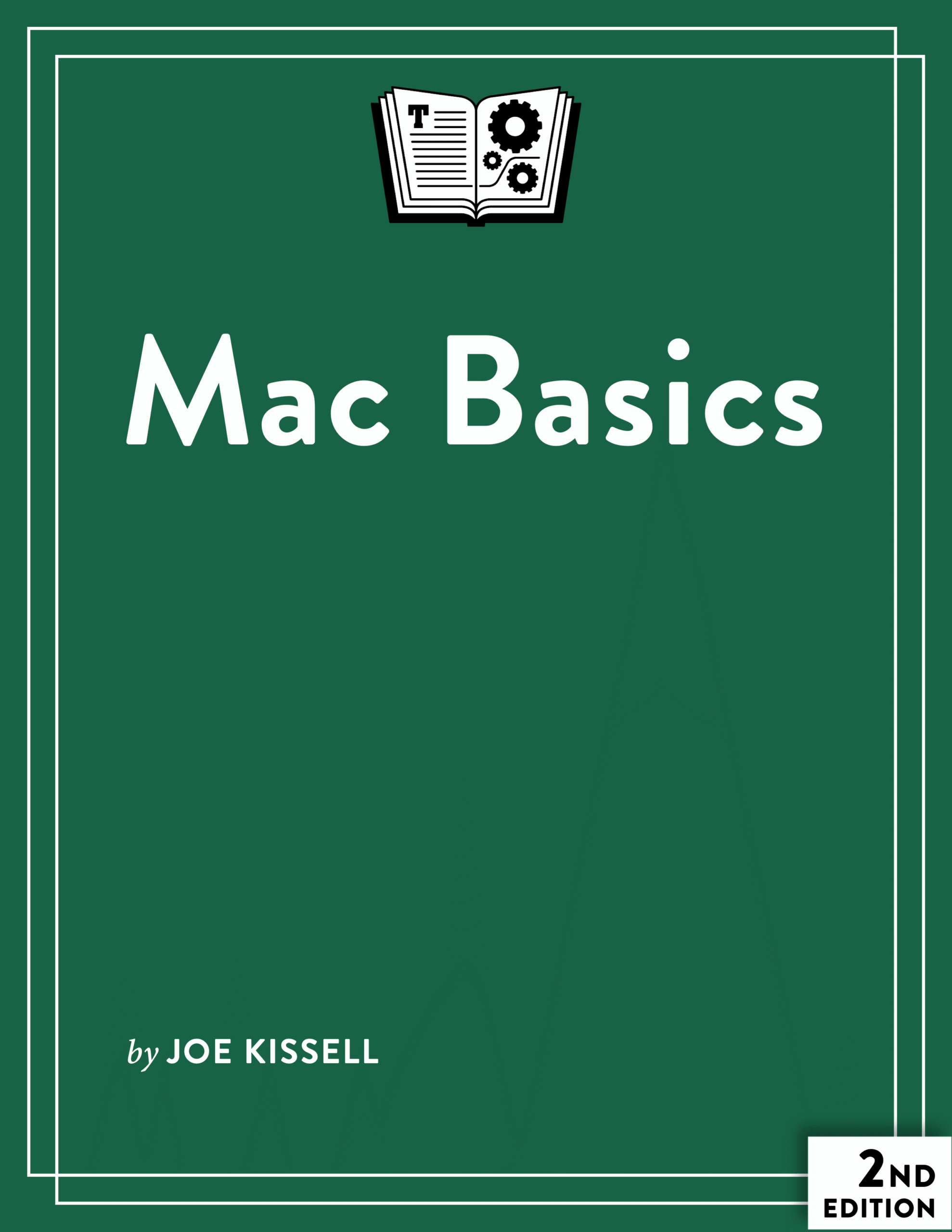
Mac Basics cover
ISBN:978-1-990783-78-4
Version:2.1
Pages:225
Size (PDF):5.4 MB
Date:December 19, 2025
Master the fundamentals of using a Mac!

Mac Basics

Second Edition
Joe Kissell

This book is a thorough, friendly guide to using a Mac, starting from scratch. It covers both the Mac hardware and macOS, as well as Apple’s built-in apps. Whether you’re a new to Macs or someone who has been struggling because no one ever taught you the ins and outs, you’ll learn how to become a confident Mac user.

All Take Control books are delivered in two ebook formats—PDF and EPUB—and can be read on nearly any device. We do not sell printed books.

Clear
Add book + TC Premium to cart
Download Free Sample
  • Description
  • What’s New
  • Table of Contents
  • Blog
  • Reviews (0)

Macs don’t come with instruction manuals, and most Mac users have never taken a class on all the major concepts, terms, and skills needed to feel comfortable and productive. As a result, it’s all too easy to end up cobbling together a sketchy understanding based on trial and error, web searches, and tips from friends and family. This book changes all that.

Written by bestselling author Joe Kissell, Mac Basics starts from square one, so even an absolute beginner can follow along. Joe offers a systematic introduction to your Mac’s hardware and software, helping you to get oriented, learn your way around, and get answers to the questions that have always puzzled you. But it’s not just for newbies! Even people who have been using Macs for years are sure to learn interesting things.

Buy a bundle and save! Save 33% when you buy this plus Glenn Fleishman’s iPhone and iPad Basics for just $20: Click here to add both books to your cart.

The book covers topics such as:

  • Your Mac’s hardware: Learn about all the components of your Mac that you’ll interact with, as well as how to use external devices.
  • What’s on the screen: Discover what all the elements on screen are called, what they do, and how to use them. You’ll meet the menu bar, Dock, Control Center, and even the Trash.
  • The Finder: What is the Finder, and what can it do? Explore windows, your desktop, Quick Look, the Go menu, and other elements of your Mac’s file management app.
  • What’s on disk: Find out where files and folders are located, and how to navigate your Mac without getting lost.
  • Your Apple Account and iCloud: Your Mac becomes vastly more powerful when you connect it to Apple’s online services.
  • Apps: The book describes every single app included with your Mac and explains the basics of working with apps, including where and how to obtain new ones.
  • Systemwide features: Get to know features that work everywhere on your Mac, such as Siri, Spotlight, your clipboard, notifications, and screenshots.
  • Customization: Find your way around System Settings and set up your Mac to work just the way you like it.
  • Safety and privacy: Make sure your Mac’s data is safely backed up, and keep your private information away from people who shouldn’t see it.
  • Switching from Windows: If you’re switching from Windows to Mac, you’ll learn about the important similarities and differences, and how to accomplish common tasks “the Mac way.”

Note: The second edition of this book is for Macs currently running macOS 26 Tahoe or that can be updated to run Tahoe. The previous edition of this book covers Macs running macOS 13 Ventura through macOS 15 Sequoia. Everyone who purchases the second edition can also download the first edition for free.

Photo of Joe Kissell

About Joe Kissell

Joe Kissell is the author of more than 75 books about technology. In 2017, he also became the publisher of Take Control Books, when alt concepts—the company he runs with his wife, Morgen Jahnke—acquired the Take Control imprint from TidBITS Publishing Inc.’s owners, Adam and Tonya Engst. Before he began writing full-time in 2003, Joe managed software development, a totally normal profession for someone with degrees in philosophy and linguistics.

In his rare non-work hours, Joe likes to walk, cook, read, and teach tai chi. He lives in Saskatoon, Saskatchewan, Canada, with Morgen and their sons. You can follow him on Mastodon (@joekissell) or Bluesky (@joekissell.com), or visit his personal website, JoeKissell.com.

What’s New in Version 2.1

This update addresses just one small change in macOS 26.2 Tahoe: a new Tinted option for the Liquid Glass interface. See the sidebar “About the Liquid Glass Setting.”

What Was New in the Second Edition

The second edition of this book was revised to cover macOS 26 Tahoe, including new apps and settings and a new visual design, which Apple calls Liquid Glass. Many of the new topics were adapted from my book Take Control of Tahoe. Here are the major changes:

  • Removed instructions and screenshots pertaining only to macOS 13 Ventura through macOS 15 Sequoia, and replaced nearly all of the remaining screenshots
  • Added “Your Mac’s Processor” to describe the differences among different chip types
  • Updated “Control Center” to reflect the new design and customization options introduced in Tahoe
  • Explained how to Customize Folders with user-selected colors and icons
  • Added topics about several new apps (Apps, Games, Journal, and Phone) and the new Magnifier utility
  • Expanded the description of iPhone Mirroring
  • Completely overhauled the discussion of Spotlight (see “Find (Almost) Anything with Spotlight”), including coverage of several major new features (see “Use Actions and Quick Keys” and “Use Clipboard History”)
  • Revised “Manage Notifications” to reflect settings changes in Tahoe
  • Added coverage of Themes to the System Settings discussion
  • Mentioned AppleCare One as an option in “AppleCare+”
  • Read Me First
    • Updates and More
    • What’s New in Version 2.1
    • What Was New in the Second Edition
    • How to Navigate This Book
    • Which Macs Does This Book Cover?
  • Introduction
  • Mac Basics Quick Start
  • Get to Know Your Mac
    • Your Mac’s Processor
    • Parts and Ports
    • Get Up and Running
    • Tour Your Mac’s Screen
    • Get Basic Info About Your Mac
    • Understand macOS and Version Names
    • Sleep, Shut Down, and Restart
    • Get Help
  • Understand the Finder
    • What Is the Finder?
    • Windows
    • The Desktop
    • Preview a File with Quick Look
    • The Go Menu
    • Manage Files and Folders
  • What’s on Your Disk
    • The Structure of macOS
    • Your Home Folder
    • The Applications Folder
    • Hidden Stuff
  • Learn Apple Account and iCloud Basics
    • Understand Your Apple Account
    • Learn About iCloud
    • Set Up iCloud
    • Consider iCloud+
    • Use Family Sharing
  • Work with Apps
    • Open an App
    • Switch Apps
    • Understand the Concept of “Focus”
    • Use Stage Manager
    • Open and Save Documents
    • Work with Document Versions
    • Print Documents
    • Create PDFs
    • Change an App’s Settings
    • Share Data from an App
    • Hide an App
    • Quit an App
    • Force-Quit an App
    • Add Apps to Your Mac
    • Update an App
    • Delete an App
  • Use Your Mac’s Built-in Apps
    • App Store
    • Apps
    • Automator
    • Books
    • Calculator
    • Calendar
    • Chess
    • Clock
    • Contacts
    • Dictionary
    • FaceTime
    • Find My
    • Font Book
    • Freeform
    • Games
    • GarageBand
    • Home
    • Image Capture
    • Image Playground
    • iMovie
    • iPhone Mirroring
    • Journal
    • Keynote
    • Mail
    • Maps
    • Messages
    • Mission Control
    • Music
    • News
    • Notes
    • Numbers
    • Pages
    • Passwords
    • Phone
    • Photo Booth
    • Photos
    • Podcasts
    • Preview
    • QuickTime Player
    • Reminders
    • Safari
    • Shortcuts
    • Siri
    • Stickies
    • Stocks
    • System Settings
    • TextEdit
    • Time Machine
    • Tips
    • TV
    • Voice Memos
    • Weather
    • Utilities
  • Explore Systemwide Features
    • Use the Clipboard: Cut, Copy, and Paste
    • Find (Almost) Anything with Spotlight
    • Meet Siri
    • Use Keyboard Shortcuts
    • Use Dictation
    • Manage Notifications
    • Use Focus Modes
    • Create Screenshots and Screen Recordings
  • Customize Your Mac
    • Find and Open System Settings
    • Navigate the System Settings App
    • Adjust System Settings
    • Name Your Mac
    • Name Your Disk
  • Protect Your Mac and Its Data
    • AppleCare+
    • Back Up and Restore Data
    • Manage Your Security
    • Manage Your Privacy
  • Use External Devices
    • Attach an External Device
    • Unmount an External Volume
  • Appendix A: Migrate to a Mac from Windows
    • Windows Migration Assistant
    • Equivalents, Approximations, and Differences
    • Microsoft Apps
    • Run Windows on Your Mac
  • About This Book
    • Ebook Extras
    • About the Author and Publisher
  • Also by Joe Kissell
  • Copyright and Fine Print

Joe talks Tahoe and Mac Basics on MacVoices

Posted by Joe Kissell on September 30, 2025

Joe Kissell joined host Chuck Joiner on MacVoices to talk about Mac Basics and Take Control of Tahoe.

In part one, Joe discusses Liquid Glass and how that affected our books, as well as changes to apps, interface, and features in Tahoe.

In part two, Joe discusses a variety of new Tahoe features, including a more-customizable Control Center and menu bar, an overhauled Spotlight, new Phone features, and a handful of new or updated apps.

Joe Discusses Mac Basics on MacVoices

Posted by Joe Kissell on February 18, 2025

Joe Kissell joined host Chuck Joiner on MacVoices to talk about Mac Basics.

In part one, Joe talks about some of the major categories of material covered in the book.

In part two, Joe discusses the challenges involved in covering so many aspects of macOS and the need for a book on Mac basics.

Reviews

There are no reviews yet.

Be the first to review “Mac Basics”

You must be logged in to post a review.

You may also like…

  • Take Control of Solving Mac Problems cover

    Take Control of Solving Mac Problems

    All Take Control books are delivered in two ebook formats—PDF and EPUB—and can be read on nearly any device. We do not sell printed books.

    Clear
    Download Free Sample
  • Take Control of iCloud cover

    Take Control of iCloud

    Rated 4.50 out of 5

    All Take Control books are delivered in two ebook formats—PDF and EPUB—and can be read on nearly any device. We do not sell printed books.

    Clear
    Download Free Sample
  • iPhone and iPad Basics cover

    iPhone and iPad Basics

    All Take Control books are delivered in two ebook formats—PDF and EPUB—and can be read on nearly any device. We do not sell printed books.

    Clear
    Download Free Sample
  • Take Control of Your Online Privacy cover

    Take Control of Your Online Privacy

    All Take Control books are delivered in two ebook formats—PDF and EPUB—and can be read on nearly any device. We do not sell printed books.

    Clear
    Download Free Sample
  • Take Control of Backing Up Your Mac cover

    Take Control of Backing Up Your Mac

    All Take Control books are delivered in two ebook formats—PDF and EPUB—and can be read on nearly any device. We do not sell printed books.

    Clear
    Download Free Sample
  • Take Control of Siri (3.0) cover

    Take Control of Siri

    All Take Control books are delivered in two ebook formats—PDF and EPUB—and can be read on nearly any device. We do not sell printed books.

    Clear
    Download Free Sample

© 2026 alt concepts   •   Blog | FAQ | Contact | Privacy   •   RSS   •   Follow us on Bluesky • Mastodon

  • My Account
  • Search
  • Cart 0
Take Control Books

Forgot Password?

  • Login
Forgot Password?
Lost your password? Please enter your username or email address. You will receive a link to create a new password via email.
We use cookies to manage your orders and preferences. We never sell your data and we do not use third-party tracking cookies, though embedded content (such as YouTube videos) may use tracking cookies. We suggest you click Functional Cookies Only to refuse third-party, non-functional cookies.