
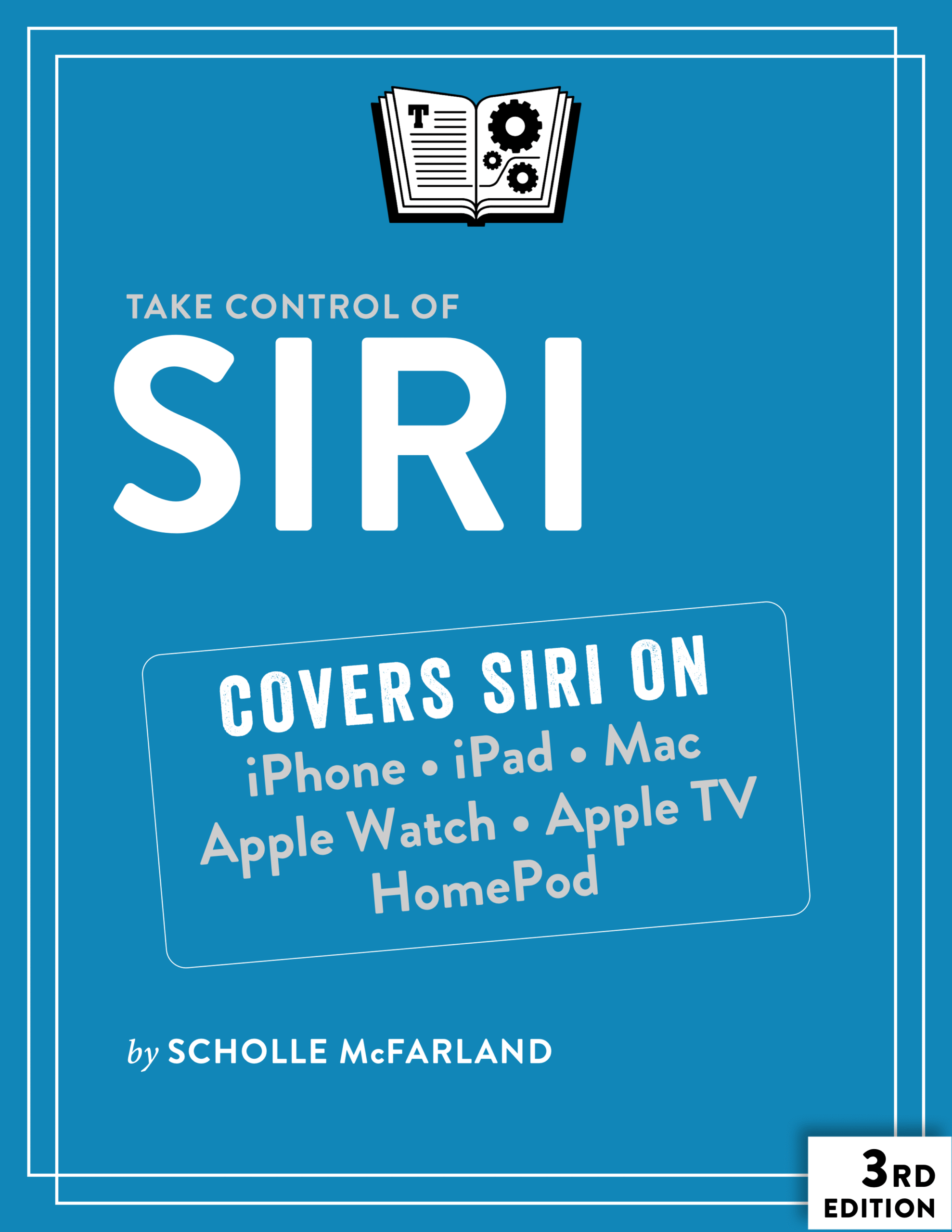
Siri, Apple’s voice-controlled digital assistant, has been around since 2010, when it debuted on the iPhone. But since then, it has become vastly more powerful and useful, and has spread across Apple’s entire ecosystem—it now runs on iPhone, iPad, Mac, Apple Watch, Apple TV, and HomePod. Siri can listen and speak in a wide range of languages and accents, perform a long list of helpful day-to-day tasks, and keep you entertained in the process. And, starting with iOS 18.2, iPadOS 18.2, and macOS 15.2, Siri gains both Apple Intelligence features and a connection to ChatGPT.
Although Siri is easy to use, it’s so multitalented that you might easily overlook some of its best features. In this book, former Macworld editor Scholle McFarland takes you deep into Siri’s capabilities. You’ll learn tons of tips and tricks about making the most of Siri. Discover how Siri can increase your efficiency and productivity, lend a hand when you’re in the car or out for a jog, and even make it simpler to play music or find movies and TV shows to watch.
Among many other things, this book teaches you:
- What hardware and software you need to use Siri
- The relationship between Siri and Apple Intelligence (on supported devices)
- How to change Siri’s language, voice, and speed
- Ways to personalize Siri by telling it about yourself, your contacts, and more
- The numerous ways to activate Siri (by touch or by voice)
- How to use Siri with AirPods, wired earbuds, or third-party headphones
- The (optional) role of ChatGPT in answering Siri requests
- When and to what extent you can use Siri without an internet connection
- What to do if the wrong device answers your “Siri” or “Hey Siri” request
- How to ask Siri about sports, math and conversions, time, food, health, movies, people, stocks, the weather, jokes, real-world sounds, random facts, and more
- Tips for asking Siri follow-up questions
- How to control music (on any device, with or without an Apple Music subscription)
- Techniques for using Siri to get directions, set reminders and appointments, send messages and email, start FaceTime calls, take notes, read articles, and get help with your Apple products
- How to use Siri to share what’s on your screen with Messages
- What Siri can and can’t do for you on an Apple TV or HomePod
- How to get your HomePod to recognize different people’s voices
- Everything you need to know about your privacy where Siri is involved
Whether you’re new to Siri or a seasoned pro, you’re sure to find lots of tricks and suggestions in this book to improve your experience of using Siri.

About Scholle McFarland
Scholle McFarland has been covering the Mac since 1996 as an editor at MacUser magazine and then Macworld. During that time, she witnessed Apple transform from everyone’s favorite “doomed” company to everyone’s actually favorite company and is still amazed by the whole thing.
When she’s not working, Scholle (“Sholly”) likes to hang out with her family, friends, and many animals in beautiful Portland, Oregon.







Reviews
There are no reviews yet.