
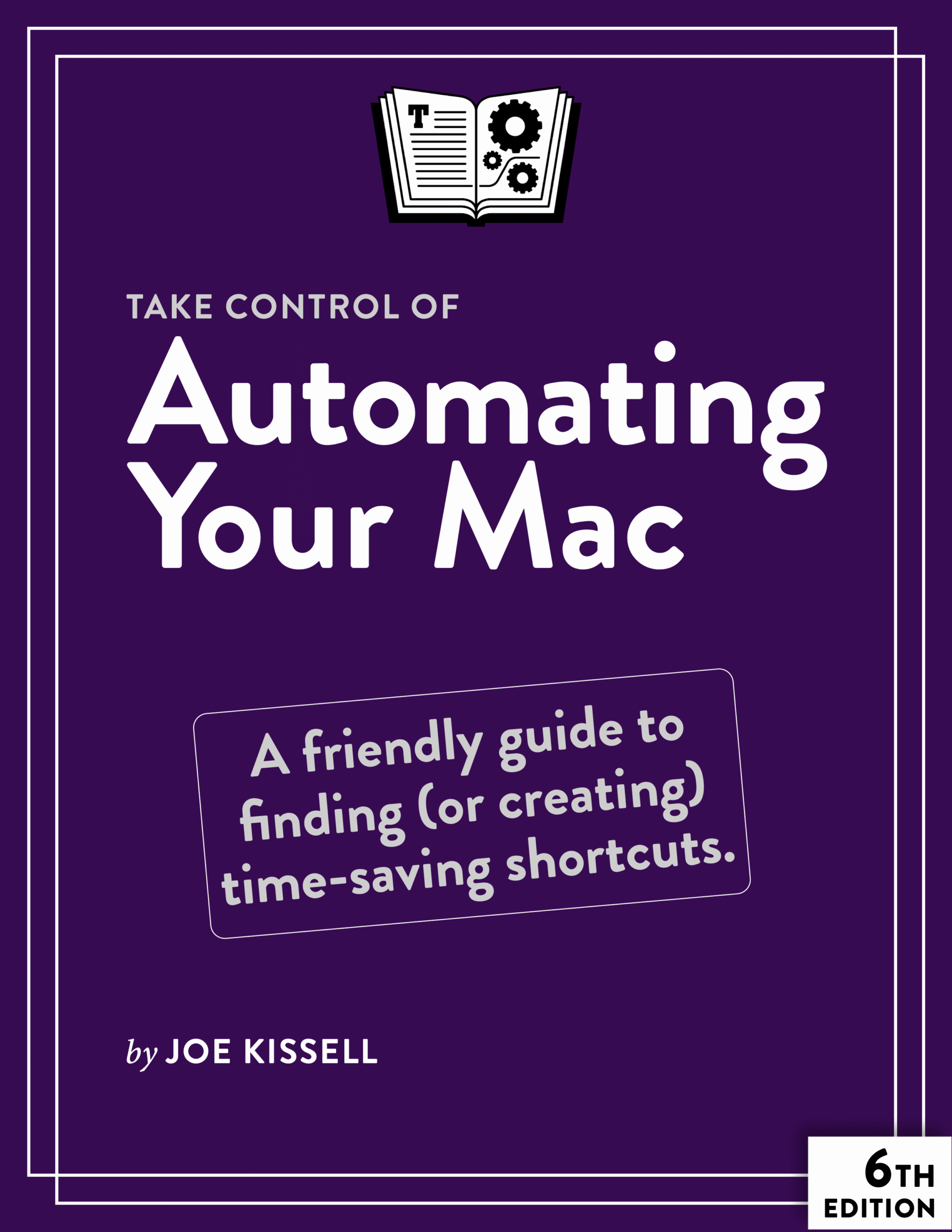
In this updated and expanded sixth edition of his popular guide to Mac automation, Joe Kissell shows how anyone, at any level of experience, can save time and effort, and avoid unnecessary errors, by using automation techniques that range from the simplest keyboard shortcut to the most complicated script.
In this book, Joe teaches you how to automate routine tasks in a wide variety of ways. You can begin by making the most of productivity features such as Siri, Spotlight (for launching apps and more), and text replacement—and then move on to the more sophisticated automation tools built into macOS, such as Shortcuts, Automator, AppleScript, services, and shell scripts.
In addition, Joe gives extensive information about third-party automation apps that can make a huge difference to your work efficiency, including Keyboard Maestro, TextExpander, and OmniGraffle, among others. As an extra bonus, the book includes coupons for discounts on five automation apps! The sixth edition covers macOS 10.14 Catalina through macOS 26 Tahoe.
Whether you’re new to automation, you just need a refresher, or you’re experienced with automation but want to go deeper, this book can teach you the skills you need to automate with ease. Take back your time, work more efficiently, and have more fun with your Mac, with Take Control of Automating Your Mac, Sixth Edition!
With this book, you’ll learn how to:
- Get started with the built-in macOS automation tools, including Shortcuts, Automator, AppleScript, and shell scripts
- Determine what role, if any, AI tools may play in automating your Mac
- Take full advantage of input devices to save clicks and keystrokes
- Customize toolbars and your Touch Bar to put hard-to-find controls at your fingertips
- Use your voice to control your Mac with Siri and Voice Control/Dictation Commands
- Automate text expansion for faster, more consistent typing
- Control the Finder with a launcher and by organizing files with Hazel
- Supercharge your clipboard to remember and reformat previously copied items
- Write macros in Microsoft Office and Nisus Writer Pro
- Create rules to file email automatically in Apple Mail, MailMaven, and Outlook
- Log in to websites faster with a password manager
- Automate cloud services with IFTTT and Zapier
- Set up automatic backup and syncing
- Run tasks automatically with Login Items, Calendar events, or
launchd - Use Omni Automation for JavaScript-based automation tasks
- Control nearly anything on your Mac with Keyboard Maestro
BONUS: We’ve included discount coupons for five of the key apps Joe covers: 15% to 30% off on Keyboard Maestro, LaunchBar, Hazel, TypeIt4Me, and Typinator—look for coupons at the end of the book!

About Joe Kissell
Joe Kissell is the author of more than 75 books about technology. In 2017, he also became the publisher of Take Control Books, when alt concepts—the company he runs with his wife, Morgen Jahnke—acquired the Take Control imprint from TidBITS Publishing Inc.’s owners, Adam and Tonya Engst. Before he began writing full-time in 2003, Joe managed software development, a totally normal profession for someone with degrees in philosophy and linguistics.
In his rare non-work hours, Joe likes to walk, cook, read, and teach tai chi. He lives in Saskatoon, Saskatchewan, Canada, with Morgen and their sons. You can follow him on Mastodon (@joekissell) or Bluesky (@joekissell.com), or visit his personal website, JoeKissell.com.

Reviews
There are no reviews yet.