
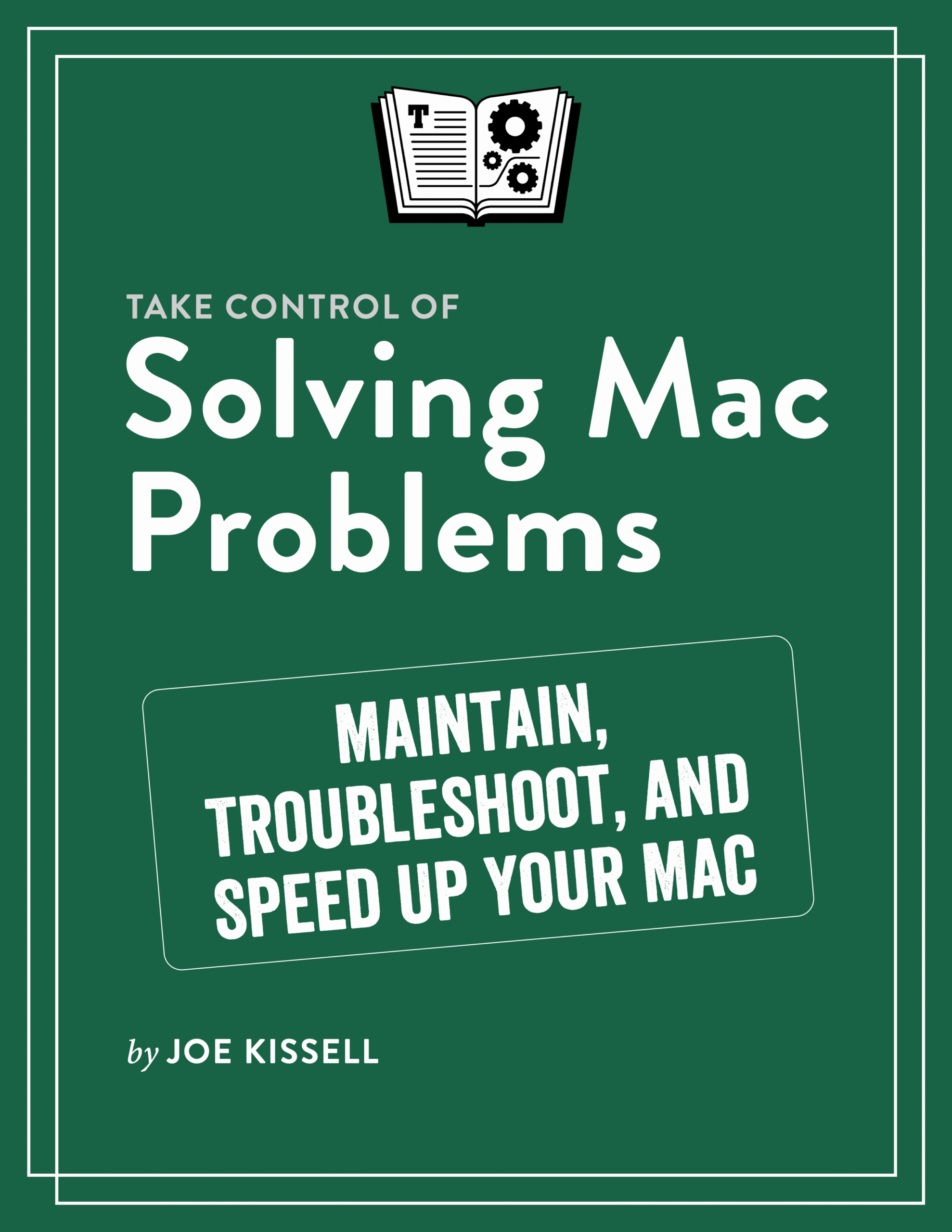
This book—which replaces, updates, and extends Joe’s earlier books Take Control of Maintaining Your Mac, Take Control of Troubleshooting Your Mac, and Take Control of Speeding Up Your Mac—is a complete guide to both preventing and solving Mac problems. You’ll learn how to think like a technician, use powerful tools and techniques, and cope with surprises.
The book covers three distinct areas.
Maintain Your Mac
Perform preventive maintenance steps that will reduce the likelihood of problems—and make it easier to recover if something does go wrong:
- Make sure macOS and other software is up to date.
- Free up disk space and reduce clutter.
- Learn about backups, creating a troubleshooting account, and other measures to take before disaster strikes.
- Explore third-party maintenance apps that may simplify common operations.
- Follow a simple, ongoing maintenance routine.
Troubleshoot Mac Problems
The heart of the book is about diagnosing problems and finding solutions:
- Learn 14 useful troubleshooting techniques that you can apply to a wide range of issues.
- Find ready-to-use solutions to 25 common Mac problems.
- Discover how to approach novel or unusual problems without obvious remedies.
- Understand the best (and worst) ways to search for help online.
- Figure out when it’s time to seek professional help, and where to find it.
Speed Up a Slow Mac
Learn what to do if individual apps bog down or your entire system seems sluggish:
- Find out what to do if web browsing is unusually slow.
- Get to know Activity Monitor to find out what’s going on under your Mac’s hood.
- Learn ways to reduce CPU and RAM usage.
- Find memory leaks and tame background processes.
- Determine your options for hardware upgrades when software fixes aren’t enough.
That’s just a taste of the extensive material in this detailed, 193-page book. It’s designed for Macs running macOS 11 Big Sur or later, including macOS 12 Monterey, macOS 13 Ventura, macOS 14 Sonoma, macOS 15 Sequoia, and macOS 26 Tahoe. The following Mac models are at least capable of running a supported version of macOS:
- iMac (mid 2014 or later)
- iMac Pro
- Mac mini (late 2014 or later)
- Mac Pro (late 2013 or later)
- Mac Studio
- MacBook (2015)
- MacBook Air (2013 or later)
- MacBook Pro (late 2013 or later)
In other words, any Mac released in 2014 or later, plus the 2013 models of the MacBook Air, MacBook Pro, and Mac Pro.
About Joe Kissell
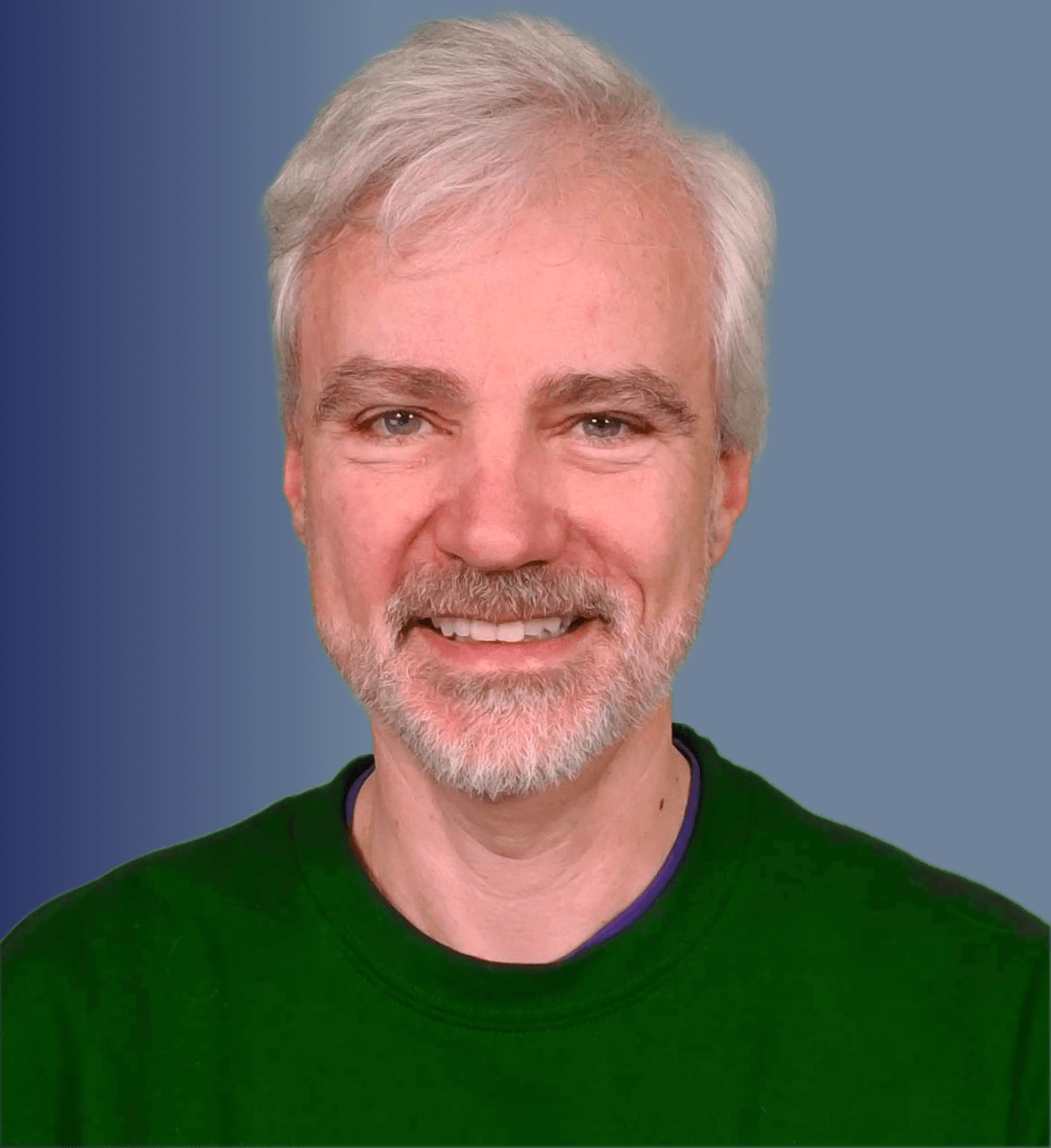
Joe Kissell is the author of more than 75 books about technology. In 2017, he also became the publisher of Take Control Books, when alt concepts—the company he runs with his wife, Morgen Jahnke—acquired the Take Control imprint from TidBITS Publishing Inc.’s owners, Adam and Tonya Engst. Before he began writing full-time in 2003, Joe managed software development, a totally normal profession for someone with degrees in philosophy and linguistics.
In his rare non-work hours, Joe likes to walk, cook, read, and teach tai chi. He lives in Saskatoon, Saskatchewan, Canada, with Morgen and their sons. You can follow him on Mastodon (@joekissell) or Bluesky (@joekissell.com), or visit his personal website, JoeKissell.com.




Reviews
There are no reviews yet.