Take Control Books
Skip to navigation Skip to content
Take Control Books

Expert Advice from Leading Tech Authors

Returning customer? Please log in:

  •  

  • Catalog
  • About
  • Authors
  • FAQ
  • Blog
  • Contact
  • Account
  • Library
  • Our Stance on AI
  • Log In
  • Catalog
  • About
  • Authors
  • FAQ
  • Blog
  • Contact
  • Account
    • Log In
    • Account Help
    • Account Details
  • Library
  • Our Stance on AI
  • $0.00 0 items
ISBN:978-1-990783-89-0
Version:1.0
Pages:76
Size (PDF):1.7 MB
Date:April 23, 2026
Manage contacts on all your Apple devices

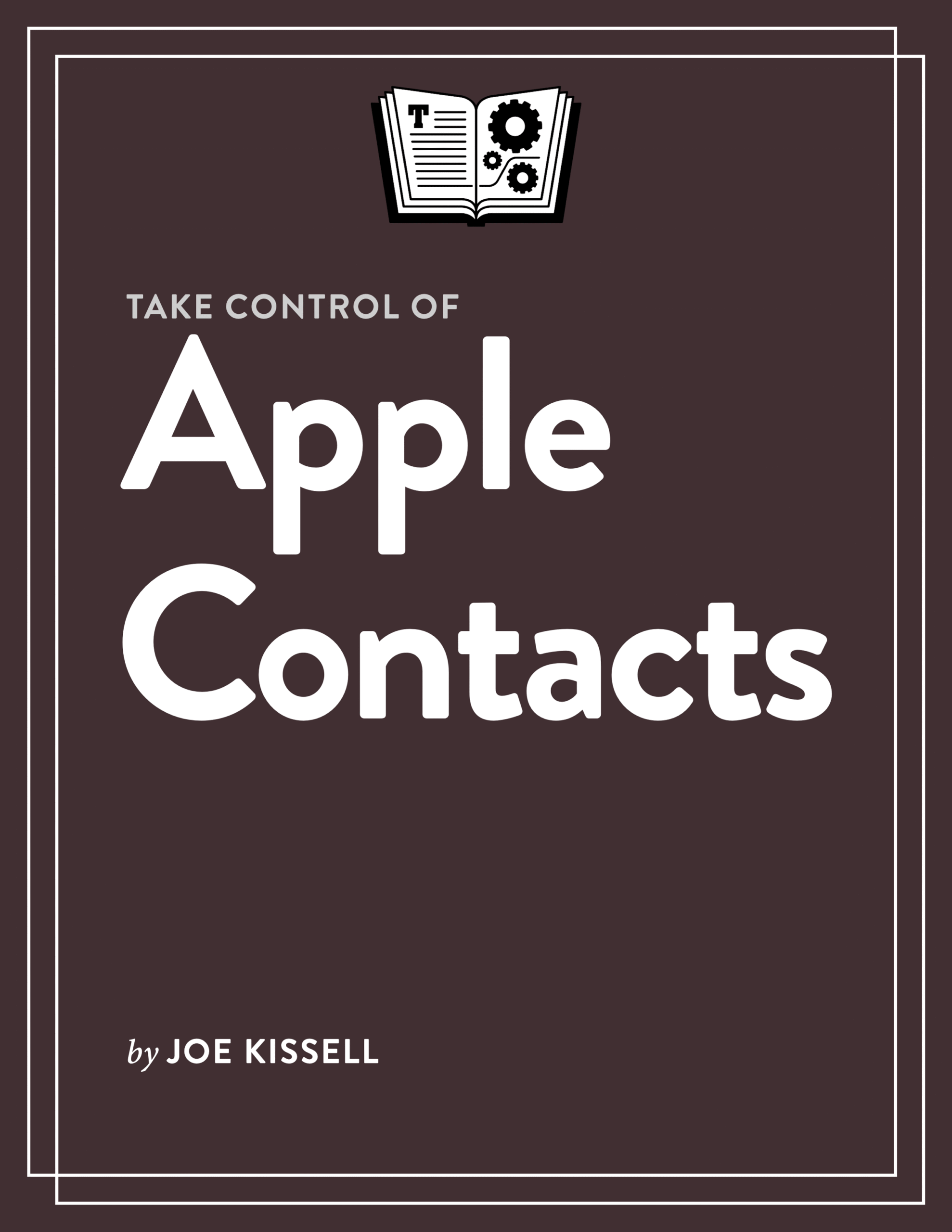
Take Control of
Apple Contacts

Joe Kissell

This book shows you how to use Apple’s Contacts app across all Apple platforms. It covers not only the app itself but also its interactions with other apps, such as Calendar, Mail, and Messages. If you’ve found Contacts confusing or strangely limited, you’ve come to the right place.

All Take Control books are delivered in two ebook formats—PDF and EPUB—and can be read on nearly any device. We do not sell printed books.

Clear
Add book + TC Premium to cart
Download Free Sample
  • Description
  • Table of Contents
  • Blog
  • Reviews (0)

Apple’s Contacts app, which is part of macOS, iOS, iPadOS, watchOS, and the iCloud website, is not a flashy piece of software. And, to be candid, Apple has paid it very little attention over the years. It feels like an app that’s still stuck in the early 2000s.

But Contacts is still an essential hub, serving as the central repository for contact information that numerous other apps (such as Mail, Messages, Calendar, Maps, Phone, and Siri) rely on. So it pays to know what you can—and can’t—do with the app and how to deal with its quirks and deficiencies.

This compact book by Take Control publisher Joe Kissell covers everything you need to know about Contacts, including:

  • Which features differ from one platform to another—and which devices you should use to perform various actions
  • How to add external accounts (such as iCloud, Exchange, CardDAV, and LDAP) to Contacts, as well as how to work with local contacts stored only on your device
  • Ways to create contacts, including adding them from Mail and Messages
  • What import and export options are available and how to use them
  • The numerous tools for editing contact cards, including working with avatars, contact posters, and customized fields
  • Methods to share one or more contacts—or even an entire account—with other people (spoiler: it can get messy!)
  • How to create and use conventional lists, “smart” lists, and distribution lists
  • What to do if you have duplicate contact cards (in the same account or different accounts)
  • Printing envelopes, mailing labels, and lists from the Mac version of Contacts
  • Customizing display order, sort order, and a wide variety of other settings
  • How to manage other apps’ access to information in your Contacts

Perhaps most importantly, the book shows you that it’s not just your imagination: Contacts can’t do some things you would reasonably expect it to, and yes, this design oddity and that missing feature and those anachronisms are as weird as they look. But, in many cases, there are ways to work around the things that aren’t quite right.

Photo of Joe Kissell

About Joe Kissell

Joe Kissell is the author of more than 75 books about technology. In 2017, he also became the publisher of Take Control Books, when alt concepts—the company he runs with his wife, Morgen Jahnke—acquired the Take Control imprint from TidBITS Publishing Inc.’s owners, Adam and Tonya Engst. Before he began writing full-time in 2003, Joe managed software development, a totally normal profession for someone with degrees in philosophy and linguistics.

In his rare non-work hours, Joe likes to walk, cook, read, and teach tai chi. He lives in Saskatoon, Saskatchewan, Canada, with Morgen and their sons. You can follow him on Mastodon (@joekissell) or Bluesky (@joekissell.com), or visit his personal website, JoeKissell.com.
  • Read Me First
    • Updates and More
  • Introduction
  • Contacts Quick Start
  • Navigation Tips
    • The Sidebar
    • Display and Sort Order
    • iPhone Navigation
    • The Contacts Web App
    • Searching
  • Set Up Contact Accounts
    • Add Your iCloud Account
    • Add Other Account Types
    • Disable an Account
    • About Local Contacts
  • Add Contacts
    • Create a Contact Card Manually
    • Add a Contact from Mail
    • Add a Contact from Messages
    • Move a Contact to Another Account
    • Import Contacts
  • Edit Contacts
    • Use the Basic Fields
    • Add or Remove Fields
    • Add an Avatar
    • Create or Edit a Contact Poster
    • Accept or Remove Siri Suggestions
    • Configure a Template
    • Share Your Name and Photo in Messages
    • Delete a Contact
  • Use “My Card”
    • Designate a Card as Yours
    • Share Your Card
    • Hide Details When Sharing
  • Interact with Your Contacts
    • Contact a Contact
    • See Birthdays in Calendar
    • Show a Contact in Maps
    • Use Contacts on an Apple Watch
  • Manage Your Contacts
    • Create and Use Lists
    • Create and Use Smart Lists
    • Edit a Distribution List
    • Address a Message to a List
    • Block a Contact
    • Manage Duplicates
    • Link Contacts Across Accounts
    • Manage Other Apps’ Access to Contacts
  • Share Contacts
    • Share Individual Contacts
    • Share a Contact Account
    • Export Contacts
  • Print Contacts
    • Envelopes
    • Mailing Labels
    • Lists
  • Manage Other Contacts Settings
    • Adjust Mac Settings
    • Adjust iPhone/iPad Settings
    • Adjust Web App Settings
  • About This Book
    • Ebook Extras
    • About the Author and Publisher
    • Credits
  • Also by Joe Kissell
  • Copyright and Fine Print

Joe discusses Apple Contacts on MacVoices

Posted by Joe Kissell on May 7, 2026

Joe Kissell joined host Chuck Joiner on MacVoices to talk about Take Control of Apple Contacts.

In part one, Joe talks about why he wrote the book and discusses some of the missing features and design flaws in Contacts (and how to work around some of them).

In part two, Joe discusses outdated features, issues involving security and encryption, and differences in Contacts across platforms.

Reviews

There are no reviews yet.

Be the first to review “Take Control of Apple Contacts”

You must be logged in to post a review.

You may also like…

  • Take Control of Apple Wallet cover

    Take Control of Apple Wallet

    All Take Control books are delivered in two ebook formats—PDF and EPUB—and can be read on nearly any device. We do not sell printed books.

    Clear
    Download Free Sample
  • Take Control of Your Apple Account cover

    Take Control of Your Apple Account

    All Take Control books are delivered in two ebook formats—PDF and EPUB—and can be read on nearly any device. We do not sell printed books.

    Clear
    Download Free Sample
  • Mac Basics cover

    Mac Basics

    All Take Control books are delivered in two ebook formats—PDF and EPUB—and can be read on nearly any device. We do not sell printed books.

    Clear
    Download Free Sample
  • Take Control of iCloud cover

    Take Control of iCloud

    Rated 4.50 out of 5

    All Take Control books are delivered in two ebook formats—PDF and EPUB—and can be read on nearly any device. We do not sell printed books.

    Clear
    Download Free Sample
  • Take Control of Focus cover

    Take Control of Focus

    All Take Control books are delivered in two ebook formats—PDF and EPUB—and can be read on nearly any device. We do not sell printed books.

    Clear
    Download Free Sample
  • iPhone and iPad Basics cover

    iPhone and iPad Basics

    All Take Control books are delivered in two ebook formats—PDF and EPUB—and can be read on nearly any device. We do not sell printed books.

    Clear
    Download Free Sample

© 2026 alt concepts   •   Blog | FAQ | Contact | Privacy   •   RSS   •   Follow us on Bluesky • Mastodon

  • My Account
  • Search
  • Cart 0
Take Control Books

Forgot Password?

  • Login
Forgot Password?
Lost your password? Please enter your username or email address. You will receive a link to create a new password via email.
We use cookies to manage your orders and preferences. We never sell your data and we do not use third-party tracking cookies, though embedded content (such as YouTube videos) may use tracking cookies. We suggest you click Functional Cookies Only to refuse third-party, non-functional cookies.