Take Control Books
Skip to navigation Skip to content
Take Control Books

Expert Advice from Leading Tech Authors

Returning customer? Please log in:

  •  

  • Catalog
  • About
  • Authors
  • FAQ
  • Blog
  • Contact
  • Account
  • Library
  • Our Stance on AI
  • Log In
  • Catalog
  • About
  • Authors
  • FAQ
  • Blog
  • Contact
  • Account
    • Log In
    • Account Help
    • Account Details
  • Library
  • Our Stance on AI
  • $0.00 0 items
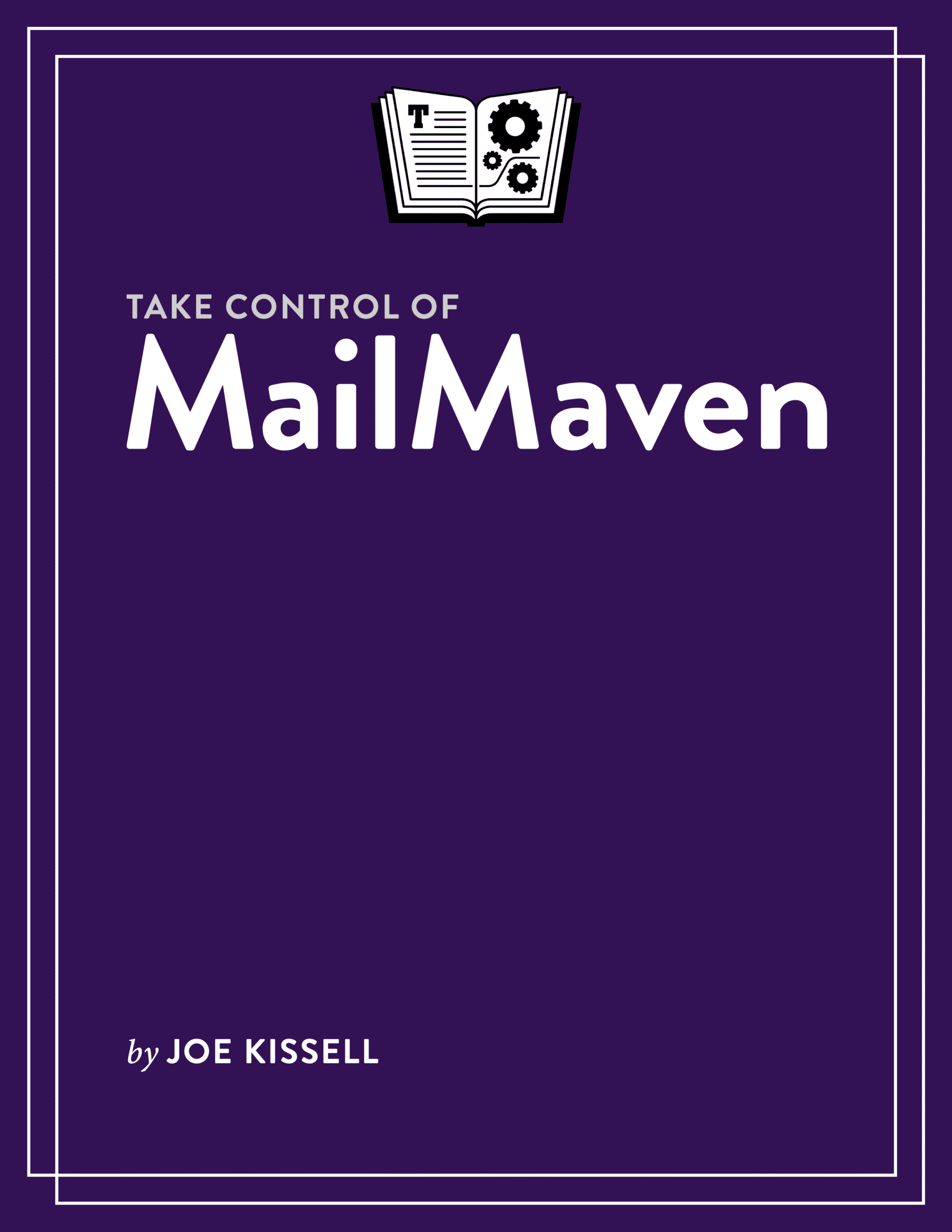
Take Control of MailMaven cover
ISBN:978-1-990783-71-5
Version:1.0
Pages:162
Size (PDF):3.9 MB
Date:October 20, 2025
Learn to love email again!

Take Control of
MailMaven

Joe Kissell
Rated 4.33 out of 5
(3 customer reviews)

Discover MailMaven, a powerful new email app for Mac. This book shows you the app’s inner workings and how you can use its unique tools to manage your email more quickly and efficiently. You’ll improve your organization, automate numerous email actions, find messages quickly, and express yourself more clearly. Any Mac user who relies heavily on email but feels limited by other email apps will benefit from MailMaven and this book!

All Take Control books are delivered in two ebook formats—PDF and EPUB—and can be read on nearly any device. We do not sell printed books.

Free!

Clear
Add book + TC Premium to cart
  • Description
  • Table of Contents
  • Blog
  • Reviews (3)

MailMaven from SmallCubed is the email app many Mac users have been waiting for. It does all the things you expect of a full-featured email client but goes way beyond simple tools like Apple Mail, Microsoft Outlook, and Thunderbird (to say nothing of web-based email apps). With MailMaven, you once again have complete control over your email, with a deeply customizable interface and a long list of power-user features wrapped up in a friendly, easy-to-understand interface. (Plus, it’s powered by human intelligence—no AI here!)

Take Control publisher Joe Kissell, who previously wrote several books about Apple Mail but has felt increasingly frustrated by its deficiencies, has been working with the SmallCubed team for several years as they developed MailMaven—offering design input, feedback, and countless hours of testing to help turn it in to the email app of his dreams. This task-oriented book reflects both his affection for the app and his deep understanding of its inner workings.

MailMaven isn’t free, but thanks to the generous sponsorship of SmallCubed, this book is! It picks up where the app’s own documentation (which Joe also wrote) leaves off, helping you make the most of the app’s seemingly endless array of options. You’ll learn about things like:

  • Finding your way around the app and learning its user interface
  • Using extensive tagging tools (including keywords, review dates, projects, background colors, and more) to mark and later locate messages
  • Syncing tags across multiple Macs
  • Following complex message threads with the Conversation Map
  • Creating and using smart mailboxes
  • Incorporating rules into your workflow for both incoming and outgoing messages, plus on-demand keystroke rules
  • Working with templates to provide boilerplate text, automatically updating variables, and more
  • Customizing your signature in ways you never imagined
  • How to migrate from Apple Mail
  • Connecting MailMaven to your IMAP, iCloud, Gmail, Exchange/Outlook, Yahoo, and AOL accounts
  • Importing and exporting messages and mailboxes
  • Keeping junk mail out of your inbox
  • Using delivery options to specify exactly when messages should be sent
  • Customizing MailMaven in dozens of different ways
  • Using advanced search tools to locate messages quickly

If you’ve been searching for a great alternative to your current Mac email app, MailMaven may be just what you need. This book helps you get up to speed quickly.

Photo of Joe Kissell

About Joe Kissell

Joe Kissell is the author of more than 75 books about technology. In 2017, he also became the publisher of Take Control Books, when alt concepts—the company he runs with his wife, Morgen Jahnke—acquired the Take Control imprint from TidBITS Publishing Inc.’s owners, Adam and Tonya Engst. Before he began writing full-time in 2003, Joe managed software development, a totally normal profession for someone with degrees in philosophy and linguistics.

In his rare non-work hours, Joe likes to walk, cook, read, and teach tai chi. He lives in Saskatoon, Saskatchewan, Canada, with Morgen and their sons. You can follow him on Mastodon (@joekissell) or Bluesky (@joekissell.com), or visit his personal website, JoeKissell.com.


  • Read Me First
    • Updates and More
    • MailMaven’s Settings
    • About Function Keys
  • Introduction
  • MailMaven Quick Start
  • MailMaven Concepts: What You Can Do
    • MailMaven’s Special Sauce
    • How MailMaven Can Improve Your Workflow
  • Find Your Way Around
    • The Viewer Window
    • The Compose Window
    • Important Menus
  • Migrate from Apple Mail
    • Move Mail Data to MailMaven
    • Learn What’s Different from Mail
    • What if You Were a MailSuite User?
  • Set Up Accounts and Mailboxes
    • Add an Account
    • Edit Account Details
    • Sync Your Data with a Sync Profile
    • Create Mailboxes
    • Work with Favorites
    • Import and Export Email
  • Work with Received Messages
    • Perform Basic Message Operations
    • Use Swipe Gestures
    • Follow Conversations
    • Manage Incoming Attachments
    • Manage Spam
  • Compose and Send Messages
    • Address Addressing
    • Enter and Format Your Message
    • Attach Files
    • Add a Signature
    • Add Tags
    • Set Delivery Options
    • Forward and Reply to Messages
    • Use Message Templates
    • Sign and Encrypt Messages
  • Process Messages
    • Use Action Panel Shortcuts
    • Use Rules
  • Organize Your Email with Tags
    • Understand How Tagging Works
    • How to Apply Tags
    • Use Keyword Tags
    • Use Project Tags
    • Use Importance Tags
    • Use Review Date Tags
    • Use Background Colors
    • Use Note Tags
    • Use Alternate Subjects
    • Use Flags
    • Use Tag Mailboxes
  • Customize MailMaven
    • Configure Application Settings
    • Assign Keyboard Shortcuts
    • Configure Notifications and Badges
    • Customize Appearance Options
    • Customize the Message Display
    • Customize Reading Behavior
    • Customize Display Options
    • Customize Your Signatures
  • Find Your Messages
    • Filter Messages
    • Perform a Simple Search
    • Use Search Tokens
    • Adjust Search Scope
    • Search Within a Message or Conversation
  • About This Book
    • Ebook Extras
    • About the Author and Publisher
  • Also by Joe Kissell
  • Copyright and Fine Print

Joe and SmallCubed developers discuss MailMaven on MacVoices

Posted by Joe Kissell on November 7, 2025

Joe Kissell joined host Chuck Joiner and guests Scott Little, Scott Morrison, and Beth Wall from SmallCubed on MacVoices to talk about MailMaven and Take Control of MailMaven.

In part one, the gang discusses the origin on MailMaven and some of its central design goals.

In part two, the discussion turns to search, smart mailboxes, rules, the conversation map, security and encryption, and signatures.

In part three, they discuss Take Control of MailMaven, pricing, and customer support.

3 reviews for Take Control of MailMaven

  1. Rated 3 out of 5

    Kevin Killion (verified owner) – October 23, 2025

    It sounds good, as I am more than eager to escape Apple Mail. Here are some first impressions of MailMaven:

    • I don’t see it in the either App Store on either my Mac or my iPhone.

    • It looks very complicated. I suppose one can get used to anything, but that’s a first impression.

    • I’d welcome seeing a comparison of MM to the all-time God Standard, i.e., EUDORA. I’ve never been happy with email since the plug was pulled in Eudora. Glorious Eudora features I deeply miss: — So much faster than Apple Mail! And I could keep my huge mail history without problems. — In a message listing, one can option-click on ANY column in any message. E.g., John Smith sends a message “New business”. If I opt-click on his name I see all messages from him. If I opt-click on that message title I see all matching messages, including “Re” and other variation. — Mailbox windows with new messages open and stay open until explicitly closed, That makes it easy to not miss important new items

    • Can one TRY using MM as a replacement while providing an escape if I don’t like it back to my Apple Mail messages, mailboxes and settings without anything lost?

    • In “Migrating from Apple Mail” in the “Get to Know MailMaven” doc I learned .. — conversion to MM from Apple Mail does NOT transfer rules and signatures. — MM has “No support for POP accounts.”. OK, that put the kibosh on further exploration!!! As far as I can see, this crucial bit of info isn’t in the TC book. Any idea when the MM folks might address the absence of POP?

    Kevin Killion kevin@shsmedia.com

  2. Joe Kissell – October 23, 2025

    Hi Kevin,

    • MailMaven is not in the App Store. You download it directly from SmallCubed. And, there’s no iOS/iPadOS version at this time.
    • You can do all the basic things you’re used to in an email app with practically no learning curve. But there are a lot of cool extra features for power users!
    • I think MailMaven appeals to the same sort of person who liked Eudora, though it doesn’t look or behave like Eudora. The Option-click thing is not in the current version of MailMaven, but you may find other ways of accomplishing essentially the same thing. I was a Eudora user back in the day, too! But I don’t foresee doing a feature comparison (which, at this point, would cover Hermes Eudoramail) because of the small number of people using Eudora(mail) these days. Besides, feature comparisons are marketing tools, so the correct place for that sort of thing would be on the SmallCubed site, not in my book.
    • Yes, a free 15-day MailMaven trial is available! You can absolutely use it alongside another app, with no harm done.
    • I do mention in the book that migration doesn’t include rules and signatures (which is because they have inherently different sets of features; you can’t do a one-to-one mapping), as well as the fact that version 1.0 doesn’t have POP support. It is HIGH on their priority list, but I don’t know when it will appear. Because very few people use POP nowadays, and nearly all mail servers that support POP also support IMAP, that feature didn’t make the cut for the initial release

    I might also mention in passing that the stars given for reviews on our site are intended to represent how you feel about the book, not how you feel about the app the book is about :-). Just saying! If there are things about the book you’d like me to improve, please send me email and I’ll absolutely consider that.

  3. Rated 5 out of 5

    Verinder Syal (verified owner) – October 24, 2025

    This is almost a labor of love. Thanks for the effort. I have gone through the book over a day and a half and probably understand 80% of it. For a long time, I have felt that Apple Mail was ok, but not “Apple Worthy.” I am switching to MailMaven because of your book. It explains all the elements very well. While I know I will come back to the book several times over the first couple of months, whatever I have understood has allowed me to make the decision to switch. Your effort is much appreciated. Sincerely, Verinder Syal

  4. Rated 5 out of 5

    Owen Crowley (verified owner) – February 8, 2026

    This book is a helpful supplement to MailMaven’s online help. I recommend it.

Add a review

You must be logged in to post a review.

You may also like…

  • Mac Basics cover

    Mac Basics

    All Take Control books are delivered in two ebook formats—PDF and EPUB—and can be read on nearly any device. We do not sell printed books.

    Clear
    Download Free Sample
  • Take Control of iCloud cover

    Take Control of iCloud

    Rated 4.50 out of 5

    All Take Control books are delivered in two ebook formats—PDF and EPUB—and can be read on nearly any device. We do not sell printed books.

    Clear
    Download Free Sample
  • Take Control of the Mac Command Line with Terminal 3.0 cover

    Take Control of the Mac Command Line with Terminal – Ebook

    $14.99
  • Take Control of Tahoe cover

    Take Control of Tahoe

    All Take Control books are delivered in two ebook formats—PDF and EPUB—and can be read on nearly any device. We do not sell printed books.

    Clear
    Download Free Sample
  • Take Control of Apple Mail cover

    Take Control of Apple Mail

    All Take Control books are delivered in two ebook formats—PDF and EPUB—and can be read on nearly any device. We do not sell printed books.

    Clear
    Download Free Sample
  • Take Control of Automating Your Mac cover

    Take Control of Automating Your Mac

    All Take Control books are delivered in two ebook formats—PDF and EPUB—and can be read on nearly any device. We do not sell printed books.

    Clear
    Download Free Sample

© 2026 alt concepts   •   Blog | FAQ | Contact | Privacy   •   RSS   •   Follow us on Bluesky • Mastodon

  • My Account
  • Search
  • Cart 0
Take Control Books

Forgot Password?

  • Login
Forgot Password?
Lost your password? Please enter your username or email address. You will receive a link to create a new password via email.
We use cookies to manage your orders and preferences. We never sell your data and we do not use third-party tracking cookies, though embedded content (such as YouTube videos) may use tracking cookies. We suggest you click Functional Cookies Only to refuse third-party, non-functional cookies.