
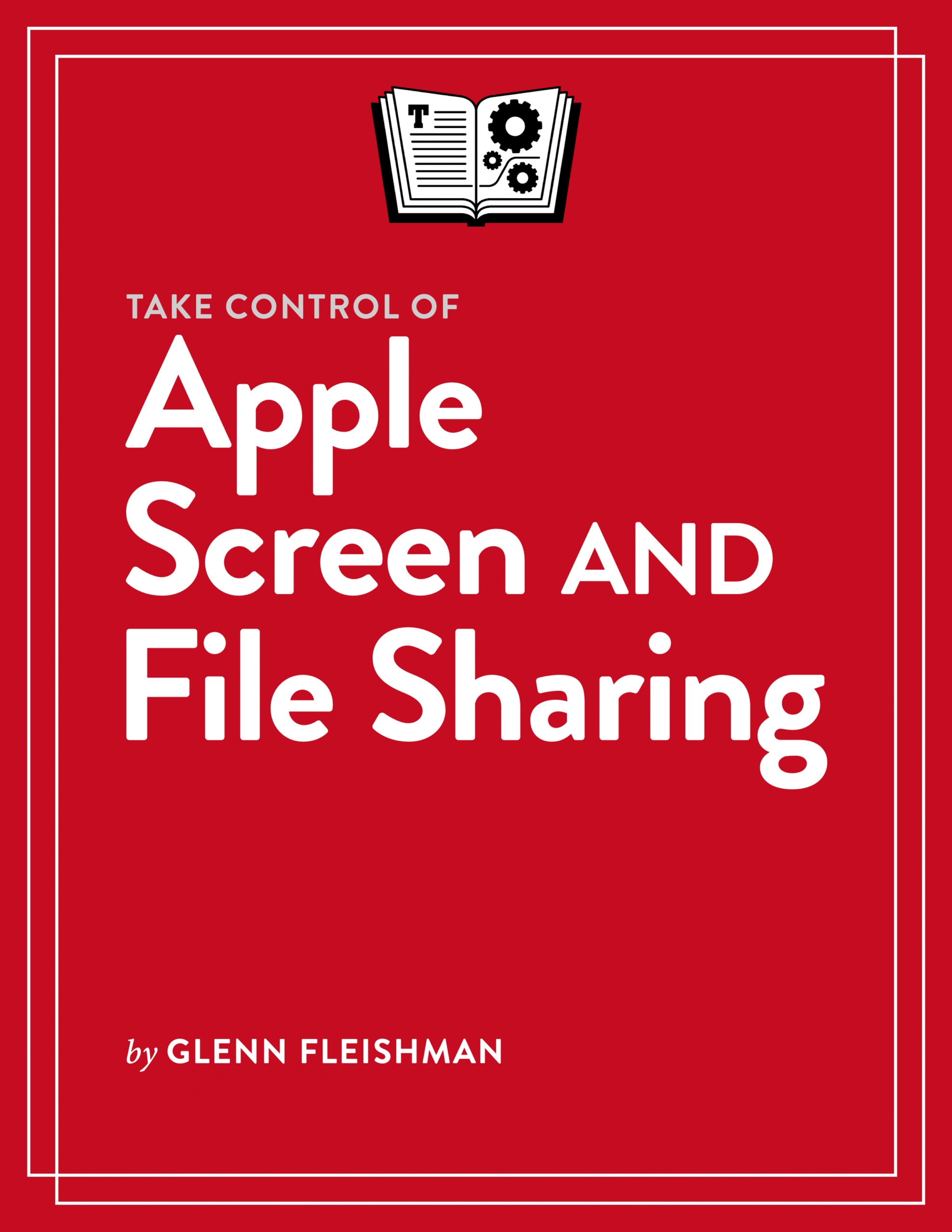
The software and data we need is often not right in front of us. Take Control of Apple Screen and File Sharing provides a fully up-to-date guide to the many resources for accessing stuff we don’t have within reach. You learn how to access your own screens nearby, over a network, and over the internet, share your screens with others for remote control or viewing, and mirror screens to larger displays and into group chats. You also become an expert on local file sharing with Macs and sharing from cloud-based storage, like iCloud Drive and Google Drive.
With the help of this book, you’ll:
- Get to know the Mac Screen Sharing app to connect to view and control the screens of other Macs.
- Access other people’s screens to help them troubleshoot problems or share what they’re working on, for work or fun.
- Understand where third-party screen-sharing systems improve on Apple’s offerings.
- Learn the difference between screen sharing and mirroring, and where the two intersect—and even overlap.
- Use screen sharing over FaceTime and Messages with one person or dozens (using Macs, iPhones, or iPads).
- Mirror your iPhone’s screen (and, optionally, its notifications) on your Mac.
- Find out how and why mirroring an Apple Watch to an iPhone could be useful.
- Set up and use networked file sharing on your Mac.
- Turn to cloud services like iCloud Drive, Dropbox, Google Drive, and Microsoft OneDrive to share files securely with others and impose limits on what they can do.
- Enable secure remote access among all your devices—and with other people—using a virtual local area networking (VLAN) system.
- Get to understand Virtual Network Computing (VNC) screen sharing—its standardization, its limitations, and its security weaknesses.

About Glenn Fleishman
Take Control Books Executive Editor Glenn Fleishman spent 30 years writing for publications like The Atlantic, Fast Company, The Economist, The New York Times, Macworld, and TidBITS. Glenn now focuses his time on Take Control Books, Six Colors (as a columnist), and his own micro-publishing endeavor, Aperiodical, where he writes books about type, printing, comics, and language history, like Six Centuries of Type & Printing and How Comics Are Made. You can find Glenn on Mastodon and Bluesky. Reach him by email at glenn@glennf.com.




Reviews
There are no reviews yet.