Take Control Books
Skip to navigation Skip to content
Take Control Books

Expert Advice from Leading Tech Authors

Returning customer? Please log in:

  •  

  • Catalog
  • About
  • Authors
  • FAQ
  • Blog
  • Contact
  • Account
  • Library
  • Our Stance on AI
  • Log In
  • Catalog
  • About
  • Authors
  • FAQ
  • Blog
  • Contact
  • Account
    • Log In
    • Account Help
    • Account Details
  • Library
  • Our Stance on AI
  • $0.00 0 items
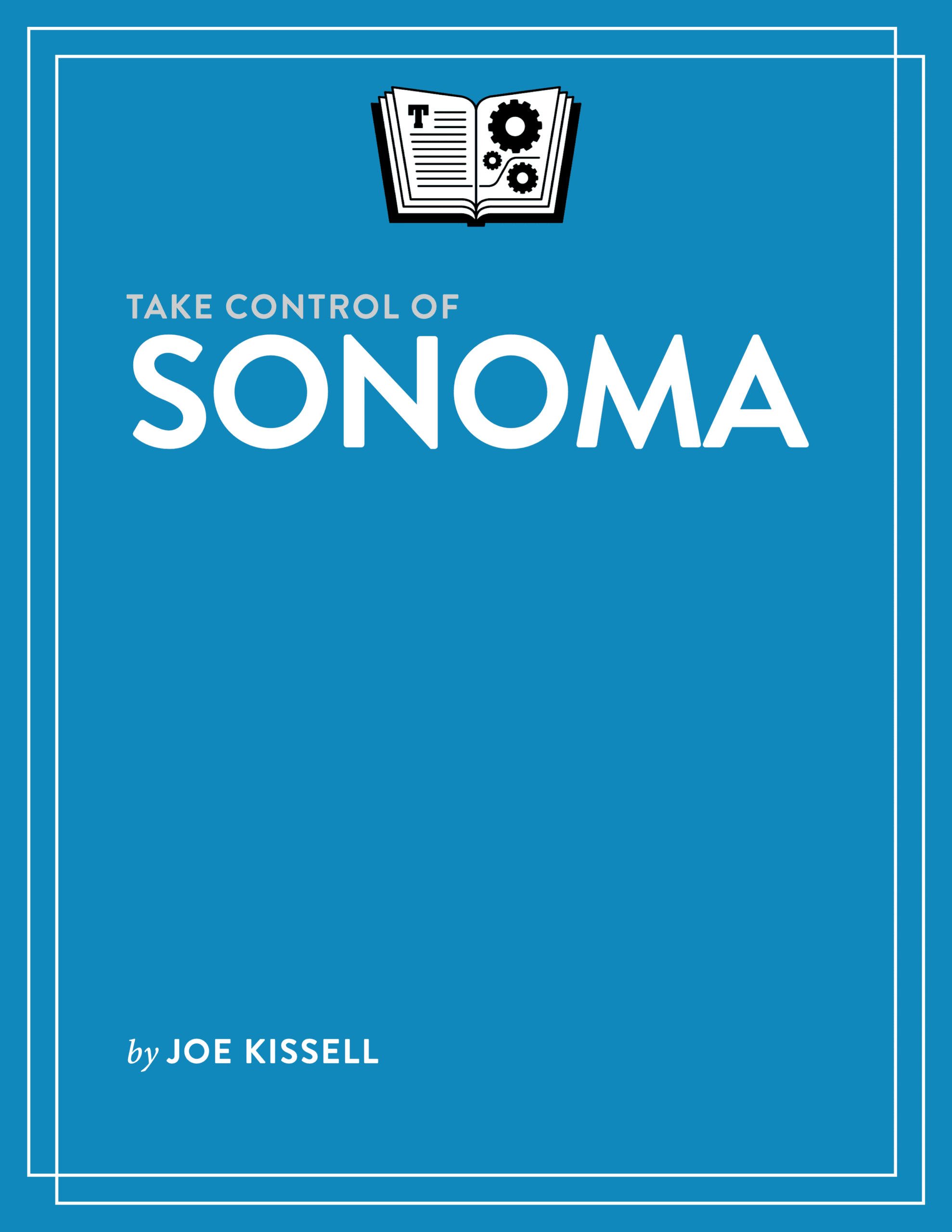
Take Control of Sonoma cover
ISBN:978-1-990783-31-9
Version:1.2
Pages:193
Size (PDF):4.8 MB
Date:March 20, 2024
Get to know macOS 15!

Take Control of
Sonoma

Joe Kissell

macOS 14 Sonoma makes your Mac more secure and easier to use, with a wide array of new and improved features. Learn how to upgrade your Mac from an earlier version of macOS, find your way around Sonoma, use new features, and discover extensive changes to built-in apps such as Safari and Messages.

All Take Control books are delivered in two ebook formats—PDF and EPUB—and can be read on nearly any device. We do not sell printed books.

Clear
Add book + TC Premium to cart
Download Free Sample
  • Description
  • What’s New
  • Table of Contents
  • Blog
  • Reviews (0)

Sonoma is Apple’s latest effort to make Macs even more powerful and easier to use, and Joe Kissell is back with a complete guide to the upgrade process, as well as an in-depth look at what’s new. People participating in video calls or sharing their screens via FaceTime, Zoom, and similar apps have some helpful new tools at their disposal. Widgets can now live on your desktop. Messages adds usability features, Safari offers greater privacy and flexibility, and Notes includes hyperlinks and better PDF support. Take Control of Sonoma walks you through all these changes and many more.

This book teaches you things like:

  • How to tell whether your Mac is compatible with Sonoma
  • Steps you should take before upgrading
  • How to perform an in-place upgrade—or do a clean install and migrate your old data from a backup
  • What’s new in the System Settings app
  • Using new Safari 17 features, such as profiles that separate your Safari data into multiple contexts, turning any website into a standalone app, sharing passwords and passkeys securely, and browsing the web with greater privacy
  • How to put widgets on your desktop
  • Navigating long, multi-person Messages conversations more easily, using filters to narrow down searches, sharing your location (or requesting someone else’s) within Messages, and more easily working with stickers
  • Creating categories in Reminders to organize your lists, and getting alerts before a scheduled task is supposed to occur
  • Viewing complete PDFs within Notes and easily creating link that take you from one note to another
  • Improving your privacy and security by securely sharing passwords and passkeys and using information from your keychain in apps besides Safari
  • Small but interesting changes throughout macOS, such as accessibility improvements, a less-annoying Autocorrect feature (plus inline typing predictions), AutoFill for PDFs, and new capabilities for AirPods, dictation, screen savers, wallpaper, your lock screen, and screen sharing (among other features)
  • Improvements to bundled apps, including FaceTime, Find My, Home, Mail, Music, Photos, and Siri
Photo of Joe Kissell

About Joe Kissell

Joe Kissell is the author of more than 75 books about technology. In 2017, he also became the publisher of Take Control Books, when alt concepts—the company he runs with his wife, Morgen Jahnke—acquired the Take Control imprint from TidBITS Publishing Inc.’s owners, Adam and Tonya Engst. Before he began writing full-time in 2003, Joe managed software development, a totally normal profession for someone with degrees in philosophy and linguistics.

In his rare non-work hours, Joe likes to walk, cook, read, and teach tai chi. He lives in Saskatoon, Saskatchewan, Canada, with Morgen and their sons. You can follow him on Mastodon (@joekissell) or Bluesky (@joekissell.com), or visit his personal website, JoeKissell.com.

What’s New in Version 1.2

Version 1.2 of this book updates it to cover changes in macOS 14.2, 14.3, and 14.4. The biggest changes in the book were:

  • Added a sidebar, “Avoiding Dropbox Complications,” about extra steps you should take in certain circumstances when upgrading your Mac if you also have Dropbox installed (and several references to that sidebar at appropriate points in the book)
  • Updated descriptions of a few minor features with details that were unavailable when the previous version of this book was published
  • In “Do More with Messages,” mentioned several additional features, such as removing tracking codes from links and the option to Verify Contact Identities
  • Updated the sidebar “Favicons (and Emoji) on the Favorites Bar” to reflect small interface changes in Safari
  • Revamped and expanded “Use Keychain in Other Browsers” to include details about using both passwords and passkeys from your keychain in non-Safari browsers
  • Added detail about how PDF AutoFill works in 14.2 or later
  • Expanded “Screen Sharing” with more information about options for screen sharing between two M-series Macs
  • Covered newly added features in the Clock, Mail, Music, Podcasts, and Weather apps

What Was New in Version 1.1

The version 1.1 update reflected changes that occurred during the late part of the beta testing process. It was up to date with the features available on Sonoma’s release date, although some features still appeared incomplete or missing, necessitating a future update. The most significant changes were:

  • Removed references to the betas that are no longer applicable
  • Added a direct link to the Sonoma installer in the App Store; see “Obtain the Installer”
  • Added the topic “Search and Navigation Improvements” to discuss getting around within System Settings
  • In “Accessibility Settings,” included more information about Spoken Content, Switch Control, Voice Control, and Zoom
  • In “Enhance Video Conferencing,” switched to Apple’s new terminology for the Video menu bar icon and explained how to share a window or app right from within that app
  • Described new methods you can use to improve audio recordings in Messages; see “Improve Your Audio Messages”
  • Included instructions for more granular control of Safari extensions; see “Control Extensions Per Site”
  • Mentioned new styles in Notes; see “Use New Styles”
  • Explained a previously mysterious setting in Notes; see “Suggested Reminders”
  • Added information about new systemwide features involving AirPods, Apple ID, Copy Subject, Family Sharing, Emoji, Insertion Point, and Live Text
  • Described updates to the Clock, Contacts, Freeform, Mail, Photos, Wallet, and Weather apps
  • Read Me First
    • Updates and More
    • What’s New in Version 1.2
    • What Was New in Version 1.1
  • Introduction
  • Sonoma Quick Start
  • Take In the Scenic View
    • Find Out What’s New in Sonoma
    • Catch Up with macOS Changes
  • Check Your Mac for Compatibility
    • Model Support
    • RAM
    • Free Disk Space
    • Solid-State Storage
  • Upgrade to Sonoma
    • Update Your Third-Party Software
    • Back Up Your Disk
    • Decide on an Installation Method
    • Learn About Upgrades via Software Update
    • Make Final Preparations
    • Upgrade Using Plan A: In‑Place Upgrade
    • Upgrade Using Plan B: Clean Install
    • Perform Post-Installation Tasks
    • Troubleshoot Upgrade Problems
    • How to Downgrade macOS
  • Adapt to Sonoma Changes
    • Get Your Visual Bearings
    • Update Your Backup Strategy
    • Explore System Settings
  • Enhance Video Conferencing
    • Use Presenter Features
    • Enhance Video Calls
  • Work with Widgets
    • Understand Desktop Changes
    • Use Widgets on Your Desktop
    • Put Widgets in Notification Center
  • Do More with Messages
    • Search Messages More Effectively
    • Catch Up with Long Conversations
    • Swipe to Reply
    • Improve Your Audio Messages
    • Share and Request Locations
    • See All Your Stickers Together
    • Verify Contact Identities
  • Meet Safari 17
    • Use Multiple Profiles
    • Turn a Webpage into an App
    • Browse More Privately
    • Control Extensions Per Site
  • Take Notes Further
    • Use New Styles
    • Work with PDFs in Notes
    • Link Related Notes
    • Move a Note to Pages
  • Mind Your Reminders
    • Reminder Sections
    • Column View
    • Automatic Grocery List Sorting
    • Suggested Reminders
    • Mark Reminders as Complete in Widgets
    • Early Notifications
  • Manage Your Privacy and Security
    • Share Passwords and Passkeys
    • Get Help Avoiding Keychain Access
    • Use Keychain in Other Browsers
    • Use Keychain in Other Apps
    • Improve Communication Safety
    • Enable Sensitive Content Warnings
    • Set Granular Photo Permissions
    • Set Write-Only Calendar Permissions
    • Monitor Cameras & Screen Recording
  • Discover Other System Improvements
    • Accessibility
    • AirPods
    • Apple ID
    • Autocorrect
    • Copy Subject
    • Dictation
    • Game Mode
    • Family Sharing
    • Inline Typing Predictions
    • Emoji
    • Insertion Point
    • Live Text
    • PDF AutoFill
    • Screen Savers, Wallpaper, and Lock Screen
    • Screen Sharing
    • Siri
    • Visual Look Up
  • Explore Other App Improvements
    • Clock
    • Contacts
    • FaceTime
    • Find My
    • Freeform
    • Home
    • Mail
    • Music
    • Photos
    • Podcasts
    • Wallet
    • Weather
  • About This Book
    • Ebook Extras
    • About the Author and Publisher
  • Also by Joe Kissell
  • Copyright and Fine Print

Joe Kissell discusses Sonoma on MacVoices

Posted by Joe Kissell on September 19, 2023

Joe Kissell joined host Chuck Joiner on MacVoices to talk about Take Control of Sonoma.

In part one, Joe talks about the upgrade process (and how to decide whether to upgrade) and some of the new features in Sonoma.

In part two, Joe complains says more about Sonoma’s new features.

Reviews

There are no reviews yet.

Be the first to review “Take Control of Sonoma”

You must be logged in to post a review.

You may also like…

  • Take Control of Automating Your Mac cover

    Take Control of Automating Your Mac

    All Take Control books are delivered in two ebook formats—PDF and EPUB—and can be read on nearly any device. We do not sell printed books.

    Clear
    Download Free Sample
  • Take Control of Photos cover

    Take Control of Photos

    Rated 5.00 out of 5

    All Take Control books are delivered in two ebook formats—PDF and EPUB—and can be read on nearly any device. We do not sell printed books.

    Clear
    Download Free Sample
  • Take Control of Your Digital Legacy cover

    Take Control of Your Digital Legacy

    All Take Control books are delivered in two ebook formats—PDF and EPUB—and can be read on nearly any device. We do not sell printed books.

    Clear
    Download Free Sample
  • Take Control of Backing Up Your Mac cover

    Take Control of Backing Up Your Mac

    All Take Control books are delivered in two ebook formats—PDF and EPUB—and can be read on nearly any device. We do not sell printed books.

    Clear
    Download Free Sample
  • Take Control of iCloud cover

    Take Control of iCloud

    Rated 4.50 out of 5

    All Take Control books are delivered in two ebook formats—PDF and EPUB—and can be read on nearly any device. We do not sell printed books.

    Clear
    Download Free Sample
  • Take Control of Apple Mail cover

    Take Control of Apple Mail

    All Take Control books are delivered in two ebook formats—PDF and EPUB—and can be read on nearly any device. We do not sell printed books.

    Clear
    Download Free Sample

© 2026 alt concepts   •   Blog | FAQ | Contact | Privacy   •   RSS   •   Follow us on Bluesky • Mastodon

  • My Account
  • Search
  • Cart 0
Take Control Books

Forgot Password?

  • Login
Forgot Password?
Lost your password? Please enter your username or email address. You will receive a link to create a new password via email.
We use cookies to manage your orders and preferences. We never sell your data and we do not use third-party tracking cookies, though embedded content (such as YouTube videos) may use tracking cookies. We suggest you click Functional Cookies Only to refuse third-party, non-functional cookies.