
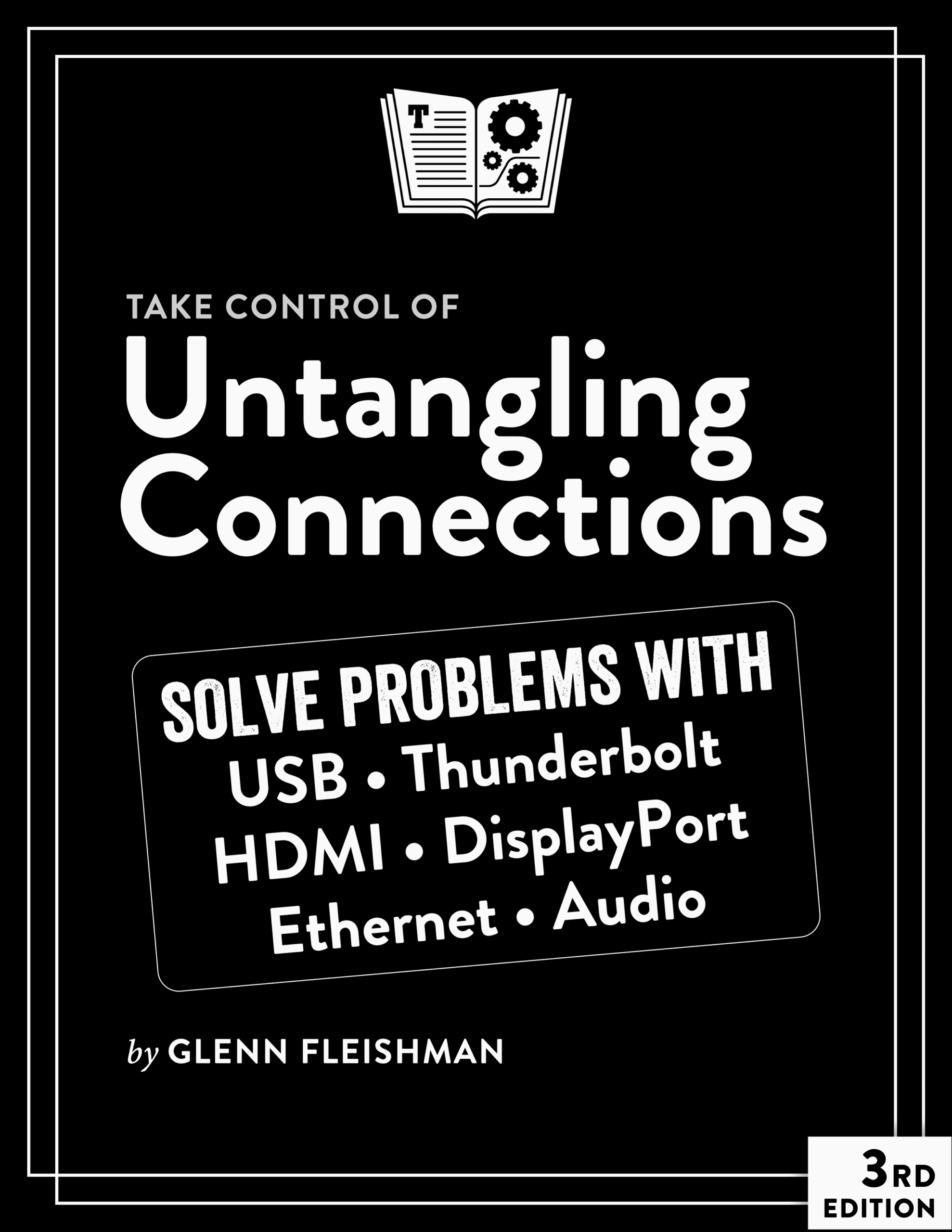
We spend our lives plugging stuff into our computers, smartphones, tablets, and other hardware. Why is it so hard to make it all work as we expect? Glenn Fleishman knows the answer to this: standards don’t develop in lock step, and whenever anything is out of sync, we wind up with frustration. He also knows the questions! As a writer about all things Apple for decades, he has used multiple generations of interface and connection standards, and he reads hundreds of questions a months from readers wrestling with their gear.
In Take Control of Untangling Connections, Glenn puts power (and video and data and more) back in your hands by helping you cut through cable clutter and confusion and find the right plug for the right jack—and the right cable.
The book covers data networking with USB, Thunderbolt, and Ethernet; audio and video over DisplayPort, HDMI, and USB-C; and all the ins and outs of recognizing ports, researching your requirements, and finding or buying the right cables, adapters, and converters. There’s even a chapter on physical decluttering: how to organize your cables in your home and office.
You’ll learn the answers to questions like:
- How do I ensure I have the fastest connection between any combination of USB and Thunderbolt standards?
- What’s the fastest computer-to-computer connection?
- What’s new with the latest standards—USB4 2.0 (80 Gbps), Thunderbolt 5, HDMI 2.1, and DisplayPort 2.1?
- Why is my USB-C cable handling data only at 480 Mbps?
- How can I make sure my 1080p, 4K, 5K, 6K, or 8K display can show its maximum resolution?
- Why can’t I connect more displays to my computer?
- How do I know how many watts a given port can offer a device I plug into it?
- I plugged my laptop (or tablet) into a USB-C port—it’s only charging at a trickle, but the port says it should offer up to 100 W. How can I fix this?
- What’s the fastest generally available computer-to-Ethernet connection?
- I have an unmarked cable with USB-C on one end and a Type-A connector on the other. How fast can it transmit data?
- This cable isn’t marked, but it has USB-C at both ends. What kind of cable is it?
- How can I test USB-C and USB Type-A cables to find out what they’re capable of?
- What’s the latest on the European Union’s mandate to use USB-C on all mobile devices?
- What sort of adapter, dock, hub, or switch might I need to connect this thing to those things?

About Glenn Fleishman
Take Control Books Executive Editor Glenn Fleishman spent 30 years writing for publications like The Atlantic, Fast Company, The Economist, The New York Times, Macworld, and TidBITS. Glenn now focuses his time on Take Control Books, Six Colors (as a columnist), and his own micro-publishing endeavor, Aperiodical, where he writes books about type, printing, comics, and language history, like Six Centuries of Type & Printing and How Comics Are Made. You can find Glenn on Mastodon and Bluesky. Reach him by email at glenn@glennf.com.

Reviews
There are no reviews yet.